The advertised per-user rate misses most of the picture. Licensing, identity, application compatibility, profile management, security operations and the skills needed to run the environment all shape the real bill and the user experience.
This article offers a neutral framework: architecture, total cost of ownership (TCO), cloud alignment, operating system needs, compliance and a controlled pilot. Pricing and features change often, so confirm current details in AWS and Microsoft documentation before you decide.
Key Takeaways
- WorkSpaces is managed Desktop as a Service with packaged bundles and simpler provisioning.
- AVD is more configurable, with host pools, multi-session Windows, and deep Microsoft 365 integration.
- Neither is universally cheaper; model TCO for your own workloads.
- Choose WorkSpaces for AWS-centric teams and Linux needs; choose AVD for Microsoft-centric Windows shops.
AWS WorkSpaces vs Azure Virtual Desktop: Quick Comparison
Cost and licensing
WorkSpaces Personal offers monthly billing, or a monthly base plus hourly usage with AutoStop, according to AWS pricing. Pools bill by instance hours.
Windows Server bundles include the OS license, while Windows 10/11 desktops use eligible bring-your-own-license (BYOL). Windows license-included Pools also add a monthly per-user RDS SAL charge.
AVD separates infrastructure from access. You pay for Azure compute, disks and networking, while access comes through eligible licenses such as Microsoft 365 E3/E5/F3, Business Premium or Windows Enterprise per user.
Reservations and savings plans cut compute cost, but commitments stay payable when underused. Deallocated VMs stop compute billing; stopped-but-allocated VMs do not.
Operating system and desktop model
- WorkSpaces: Windows Server 2016 through 2025, Windows 10/11 BYOL, and Linux options including Ubuntu, RHEL and Rocky Linux. Personal desktops are persistent; Pools are nonpersistent, with one instance per user session.
- AVD: Windows 10/11 Enterprise single-session and multi-session, plus Windows Server; Linux is not a supported session-host OS. Personal and pooled host pools support full desktops; RemoteApp requires pooled.
Multi-session matters. Many users share one host, so you patch fewer VMs and pay for less compute. WorkSpaces Pools is not the same model.
Identity and security
- WorkSpaces: AD Connector, AWS Managed Microsoft AD or Simple AD; VPC security groups; KMS encryption chosen at launch; SAML 2.0 federation; CloudWatch and CloudTrail for monitoring and audit.
- AVD: Entra ID, Conditional Access, Intune, Defender for Endpoint, Azure Monitor and FSLogix profiles on Azure Files.
On both platforms, you own the final security posture. Compliance programs cover the service, not your configuration.
Deployment and management
WorkSpaces provisions quickly: pick a directory, bundle and user. The trade-off is less control over the underlying architecture.
AVD asks for more design work: host pools, workspaces, application groups, images, FSLogix and scaling plans. In return you get far more customization.
Performance and user experience
- WorkSpaces: Target under 100 ms RTT for PCoIP and under 250 ms for DCV. DCV clients cover Windows, macOS, Linux and browsers, not Android or iPad.
- AVD: Microsoft recommends under 150 ms. RDP Shortpath uses UDP, and multimedia redirection plus Teams optimization help media workloads.
PCoIP stops accepting new customers on July 31, 2026, so plan around DCV. No authoritative head-to-head benchmark exists. Test from your actual US user locations.

Operational fit
WorkSpaces fits teams that want AWS-native desktops with fewer components to administer. AVD fits organizations ready to run a configurable Microsoft platform, internally or with a specialist partner.
What Are AWS WorkSpaces and Azure Virtual Desktop?
What is AWS WorkSpaces?
AWS describes WorkSpaces as fully managed virtual desktops delivered over a remote display protocol. AWS manages the service; you configure network and access controls and maintain third-party applications.
Its strengths are packaged bundles, AWS-native networking and directory integration, flexible billing and selected Linux support. The trade-off is less granular control.
Use cases for AWS WorkSpaces
- AWS-centric organizations
- Seasonal or temporary workforces, such as Intuit's TurboTax and QuickBooks external experts
- Disaster recovery, using cross-region redirection
- Straightforward productivity desktops
- Teams needing both Windows and Linux
Confirm each scenario against current AWS capabilities and licensing before you commit.
What is Azure Virtual Desktop?
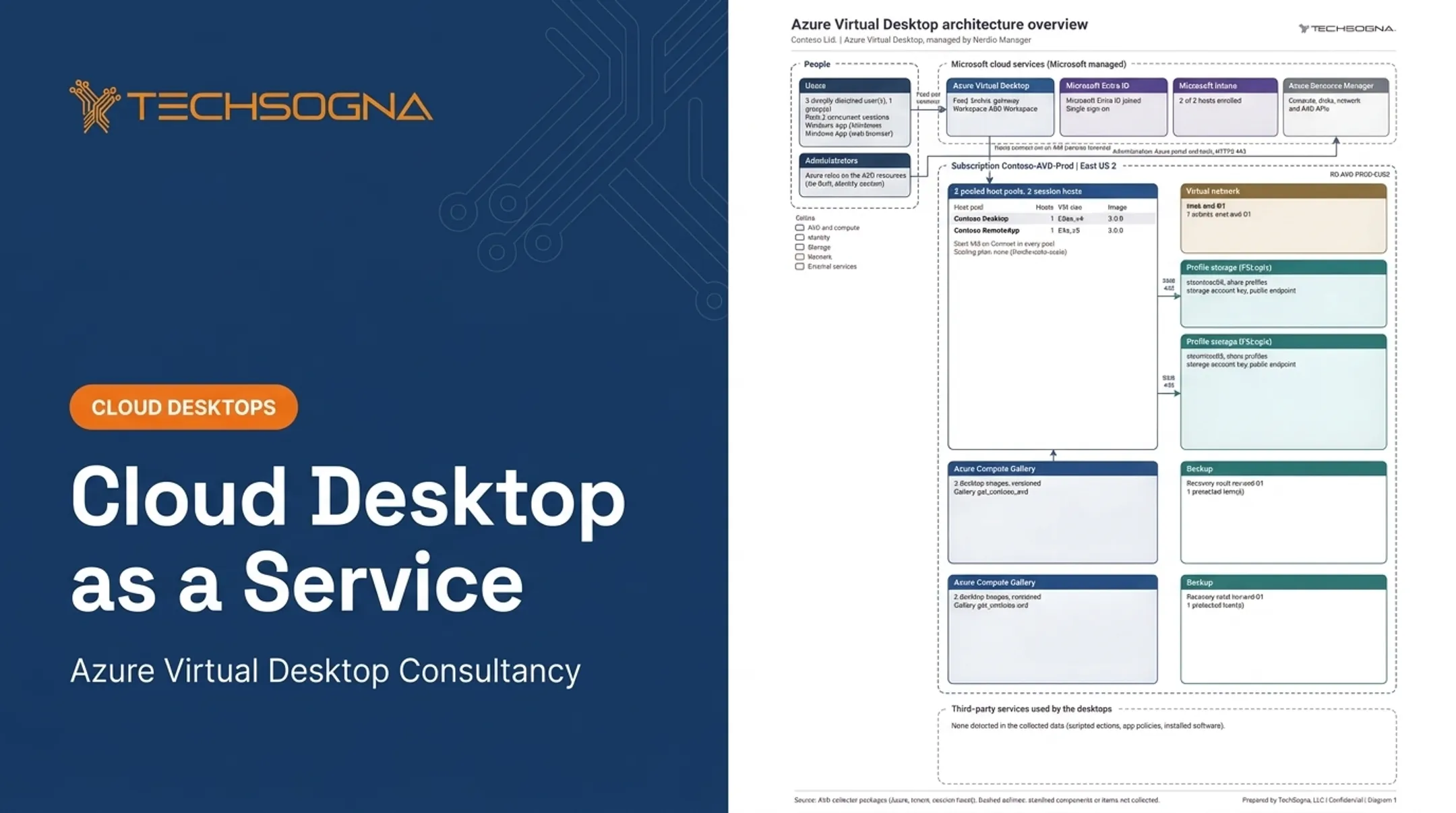
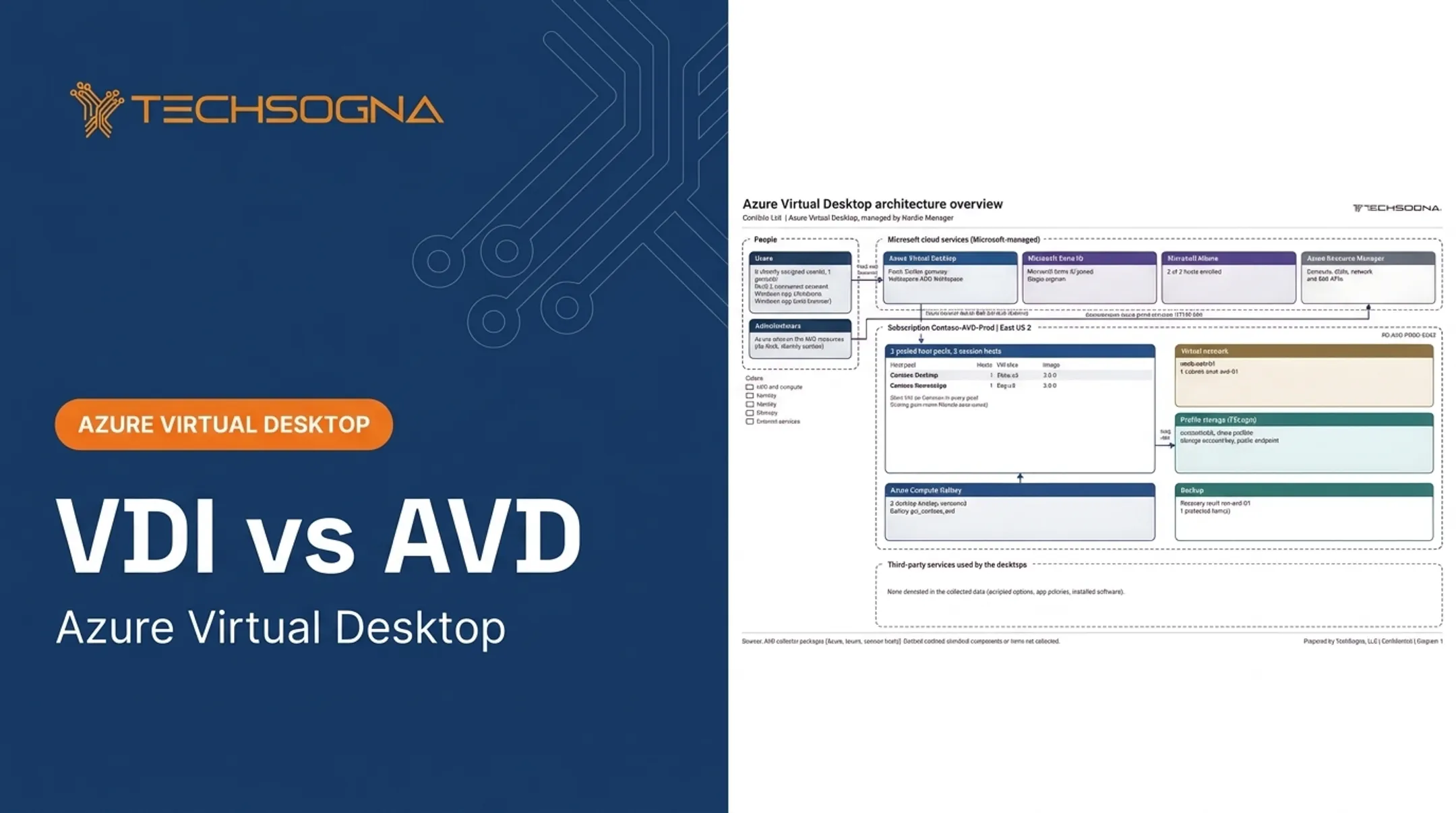
Azure Virtual Desktop (AVD) is Microsoft's desktop and application virtualization platform on Azure. Microsoft manages the control plane and physical infrastructure. You manage session hosts, identities, profiles, applications, networking and policies.
That model appeals to Microsoft-centric teams. You get Windows 11 multi-session, personal desktops, host pools, RemoteApp, FSLogix, and integration with Microsoft 365, Entra ID and Defender.

Use cases for Azure Virtual Desktop
- Microsoft 365-heavy environments
- Large or varied Windows user populations
- Hybrid workforces
- Citrix or on-premises VDI migrations
- Regulated teams that need documented identity, hardening, access and recovery controls
Confirm licensing and compliance details in current Microsoft documentation.
AWS WorkSpaces vs Azure Virtual Desktop: What Is Better?
It depends on your cloud estate, applications, user patterns, licensing, security model, internal skills and tolerance for operational complexity. No universal list price settles it.
Compare TCO, not rates
Include these in your model:
- User concurrency and session duration
- Host power schedules and multi-session density
- Storage and profile technology
- Network traffic
- Licenses
- Monitoring and backup
- Support and the labor to run the platform
Cost sampling shows why. A 90-day Azure Cost Management sample of one AVD environment put the all-persona total at $1,046 per month for desktops. Profile storage, backup and monitoring were allocated separately, and Microsoft licenses were excluded. Always define what your number includes.
When to choose each
Choose WorkSpaces if you:
- Are AWS-centered and want a more managed experience
- Have simple, predictable needs or require Linux
- Prefer straightforward billing over host-level customization
Choose AVD if you:
- Are invested in Microsoft 365, Windows, Entra ID, Intune or Defender
- Can benefit from multi-session or varied desktop and app delivery
- Want deeper control over host pools, images, scaling and policy
Ecosystem familiarity alone is a risky basis. Test these first:
- Application compatibility, Teams and multimedia
- Profile performance, printing and peripherals
- Identity flows, data residency and recovery
- User support readiness
Pilot checklist
- Define representative user personas.
- Test normal and peak concurrency.
- Measure login and application performance.
- Validate security controls.
- Model monthly and annual TCO.
- Document operating responsibilities.
- Write an exit or migration plan.
Teams evaluating AVD without virtual desktop specialists can use TechSogna to validate the design before full deployment. Its fixed-fee AVD Health Check starts at $3,500, takes about two weeks, and is read-only. TechSogna also provides architecture documentation, security and identity review, Nerdio optimization and business-hours co-management. That does not make AVD right for every organization.
Real-World Examples
Published outcomes show how different the starting points are.
- Intuit (WorkSpaces): Seasonal external experts and BYOD users needed secure access. Launch took nine months for a few hundred production users; AWS reported no measured cost saving.
- Apex Group (AVD): Provisioning dropped from up to a week to as little as an hour, per Microsoft's customer story. AVD ran alongside Citrix rather than replacing it, with no measurement window stated.

Neither case proves a platform always wins. Intuit's profile suits teams with seasonal, external workers on AWS. Apex's profile suits teams modernizing existing VDI on Azure.
Before choosing, assess your own user groups, licensing, workloads and operating requirements. If your environment's complexity exceeds your team's capacity, request an AVD or cloud desktop assessment from TechSogna.
Conclusion
AWS WorkSpaces is the closer fit when managed simplicity, AWS alignment, predictable desktops, or multi-OS needs come first. AVD is often stronger for Microsoft-centric Windows environments that need multi-session desktops, flexible application delivery, and integrated identity and security.
Let a documented pilot and TCO model decide. Score both options on:
- Technology fit and performance
- Licensing and ongoing cost
- Security and compliance controls
- User experience
- Day-to-day administration
Choose the platform you can run securely and cost-effectively over time. Feature count alone is a weak decider.
Frequently Asked Questions
What is the AWS equivalent of Azure Virtual Desktop?
Amazon WorkSpaces is the closest AWS equivalent for managed cloud desktops, though not feature-for-feature. Amazon AppStream 2.0 covers application streaming separately.
Is AWS WorkSpaces cheaper than Azure Virtual Desktop?
It depends on concurrency, desktop size, usage hours, Windows licensing, multi-session design, storage, networking and management effort. Compare TCO, not headline pricing.
What is the difference between AWS WorkSpaces and Azure Virtual Desktop?
WorkSpaces is a more managed, packaged desktop model. AVD is a more configurable Azure architecture with host pools, multi-session and Microsoft ecosystem integration.
Which is better for Microsoft 365 and Teams?
AVD often offers the more natural experience, with Teams optimization and multimedia redirection. Test your own applications, profiles, licensing and network conditions regardless.
Can both platforms support Linux desktops?
WorkSpaces offers Ubuntu, RHEL and Rocky Linux options, varying by bundle. AVD supports Windows session hosts only. Verify current OS, image and regional availability.
How do I choose for my business?
Weigh existing cloud investments, identity, operating systems, application compatibility, licensing, user patterns, security needs and internal expertise. Then run a pilot-based TCO comparison.