Introduction
Ask three vendors what VDI costs and you'll get three different answers. That's because VDI pricing isn't a single per-user number. The final bill depends on desktop architecture, workload, concurrency, licensing, infrastructure, and how much management you hand off.
The risks of judging only a monthly desktop rate are real. Teams underestimate Azure consumption, miss application licensing, and leave out security, backup, support, and internal IT labor. Forrester's Windows 365 interviewees described their previous VDI consumption costs as unpredictable.
This guide covers pricing models, cost components, what raises or lowers spend, and a practical way to estimate an Azure Virtual Desktop (AVD) budget. All figures are USD, US list pricing, accessed November 2026.
Key Takeaways
- No universal US price range covers light, standard, or advanced VDI; billing units differ.
- Concurrency, CPU, RAM, storage, and operating hours matter as much as headcount.
- Standardized, predictable workloads cost less; power users and regulated teams cost more.
- The lowest quote rarely means the lowest total cost.
How Much Does VDI Cost? (Pricing Overview)
VDI has no fixed price because self-hosted VDI, AVD, managed VDI, and Windows 365 bundle different costs and responsibilities. Comparing them by monthly rate alone mixes different scopes.
Misunderstood pricing typically leads to:
- Underbudgeted Azure compute, storage, bandwidth, identity, backup, and monitoring
- A platform-only license compared against a fully managed service as if scope were equal
- Configurations too small for peak load, or oversized and mostly idle
Typical VDI Cost Ranges
No single average for light, standard, and advanced tiers holds up against published data. The figures below are real price anchors, each with its scope.
| Windows 365 Cloud PC | Business/user/month | Enterprise/user/month |
|---|---|---|
| 2 vCPU / 4 GB / 64 GB | n/a | $28 |
| 2 vCPU / 8 GB / 128 GB | $36 | $41 |
| 4 vCPU / 16 GB / 128 GB | $56 | $66 |
| 8 vCPU / 32 GB / 256 GB | $108.80 | $132 |
| 16 vCPU / 64 GB / 512 GB | n/a | $277 |

These are Microsoft's published prices for fixed-spec Cloud PCs. Enterprise requires Windows E3, Intune, and Entra ID P1. They don't include applications, backup, or implementation.
Other anchors:
- Azure compute (East US): a D4s_v5 VM runs $0.192/hour (non-Windows meter) or $0.376/hour (Windows meter). Those are alternative meters, not a complete desktop.
- Managed service: Dizzion lists $5,435/month for 50 persistent desktops (North America), with 4 vCPU and 16 GB RAM each, plus patching and observability.
- Citrix and Omnissa Horizon: no numeric US list price published.
Validate everything against the Azure Pricing Calculator and current provider documentation before committing.
Cloud, self-hosted, and managed pricing models
| Model | Upfront cost | Recurring cost | Internal labor | Predictability |
|---|---|---|---|---|
| Self-hosted | High hardware and licensing | Power, cooling, refresh, staff | Highest | Moderate |
| AVD | Low | Consumption plus licensing | Moderate to high | Varies with usage |
| Managed VDI/DaaS | Low | Bundled monthly fee | Lowest | Highest |
A low platform subscription can still produce a high total when infrastructure, licenses, administration, or recovery services are billed separately. Forrester's Microsoft-commissioned study projected 10%-50% lower on-premises infrastructure costs for a composite 2,000-worker organization. Treat that as a projection, not a US average.
Key Factors That Affect the Cost of VDI
Price is the output of technical, operational, and business decisions. Headcount is only one input.
User type, workload, and concurrency
Knowledge workers, developers, engineers, contact-center agents, and graphics users need different CPU, RAM, storage, and apps. Microsoft's sizing guidance suggests at most 6 light, 4 medium, 2 heavy, or 1 power user per vCPU. These are limits, not performance guarantees.

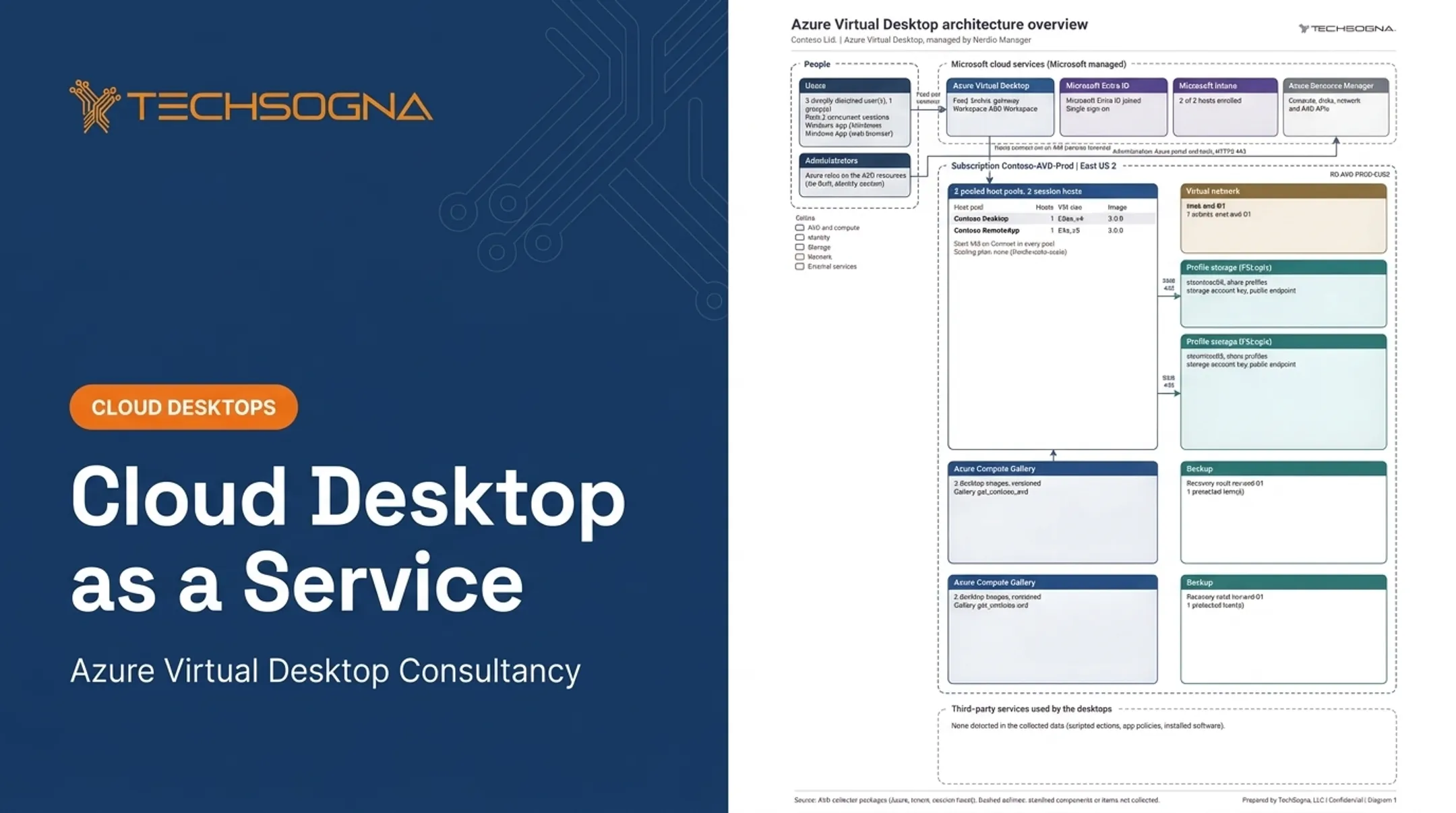
Separate total eligible users from typical and peak concurrent users. Shift work, seasonal staff, contractors, and time zones all change sizing. In one sample TechSogna environment, peak was just 3 users at once, so 2 desktops covered it.
Desktop architecture and persistence
Pooled desktops share session hosts, so one image serves many users and utilization stays high. Personal desktops give each user a dedicated VM, with more customization and more cost.
Pooled suits standardized apps. Choose persistent when you need application compatibility, heavy customization, or specific workflow support.
Azure and infrastructure configuration
Azure cost drivers include:
- VM family, size, and operating hours
- Host-pool design and session density
- Region and storage tier
- Managed disks, networking, and data transfer
Egress in North America gives the first 100 GB per month free, then $0.087/GB for the next 10 TB. Self-hosted environments add hardware, hypervisor licensing, power, cooling, facilities, and refresh cycles. Cloud shifts those into recurring consumption.
Licensing and applications
AVD access is included with eligible licenses such as Microsoft 365 E3/E5/F3/Business Premium or Windows Enterprise E3/E5. Windows Server desktops need RDS CALs.
External commercial users cost $5.50/user/month for apps or $10/user/month for desktops and apps, plus infrastructure. Confirm current terms in Microsoft's licensing documentation.
Third-party applications are separate. Review user-versus-device terms, virtualization clauses, and packaging. In TechSogna's sample report, Office staff list-price software included $458 for CrowdStrike Falcon and $1,098 for Adobe Acrobat.
Security, compliance, and resilience
Budget lines can include:
- Entra ID P1/P2 at $7/$10 per user per month (often already in M365)
- Intune at $8/user/month standalone
- Defender, hardened images, monitoring, and logging
- Azure VM Backup from $5/month per VM up to 50 GB, plus storage
- Site Recovery, with 31 free days per protected instance
Regulated environments add design, documentation, and control testing. A HIPAA BAA doesn't make you compliant, and CMMC assesses your implementation, not Azure's certification.
Management, support, and lifecycle operations
Self-managed teams carry patching, image updates, incidents, and reporting. Co-managed and fully managed models shift that work to a provider.
Migration, onboarding, training, right-sizing, and eventual platform changes add lifecycle cost. Forrester modeled $218,593 in three-year deployment, management, and training costs for a Windows 365 composite.
VDI Cost Breakdown and Low-Cost vs High-Cost VDI
Total cost extends beyond the license or VM. Compare options over several years using identical scope.
Initial design, migration, and deployment
Mostly one-time, with occasional services work. Typical scope includes:
- Assessment and architecture
- Identity integration and network prep
- Application packaging and image creation
- Data migration, pilots, onboarding, and documentation
Microsoft, VDI, and application licensing
Usually recurring. Itemize each line and note whether terms assume user, device, or concurrent access:
- Microsoft access rights
- OS and productivity licenses
- VDI management licensing
- Application licenses
Nerdio licensing in TechSogna's sample estimate was $4 per active user per month.
Compute, storage, networking, and usage
Recurring in cloud; capital plus operating in self-hosted. These items drive the monthly bill:
- VM runtime and autoscaling
- Profile and backup storage
- Egress and idle resources
Reserved VMs advertise up to 72% savings, but on compute only, not the whole bill.
Security, backup, disaster recovery, and support
Mostly recurring, with setup and recovery-testing charges. Make every quote state what's included for:
- MFA, endpoint protection, and logging
- Backup frequency, retention, and replication
- Service desk hours and incident response
Low-cost vs high-cost VDI: what is the difference?
| Factor | Lower cost | Higher cost |
|---|---|---|
| Desktops | Standardized pooled | Persistent, personal |
| Resources | Lighter workloads, premium storage avoided | Power-user, premium storage |
| Runtime | Shorter windows, autoscaling | Extended runtime |
| Resilience | Basic | High availability, compliance controls |
| Support | Customer-managed | Managed operations |
Neither is inherently better. Under-sizing causes login delays, application contention, and tickets. In TechSogna's sample findings, cold starts made users wait up to 5 minutes.
Over-sizing wastes money. Flexera's survey estimates 29% cloud waste. Size from measured workload data.
How to Estimate the Right VDI Budget and Avoid Cost Mistakes
Start with workload fit and total cost of ownership, not a headline per-user price.
- Build personas. Define standard, power, seasonal, contractor, and regulated users. Record apps, concurrency, schedules, persistence, storage, and performance expectations.
- Estimate each category separately. Licensing, infrastructure, security and identity, storage and networking, backup and DR, implementation, management, support, and internal labor.
- Model normal and peak demand. Compare pay-as-you-go, reservations or savings plans, scheduled shutdown, pooled desktops, and autoscaling.
- Validate prices in the Azure Pricing Calculator, which takes users, hours, and concurrency as inputs.
- Compare quotes on the same checklist.
Quote checklist:
- Resource specs and user/concurrency assumptions
- Region and operating hours
- Included services and overage rules
- Support level and exit terms
- Data transfer and backup scope
- Recovery objectives
- Ownership of licenses
Common mistakes:
- Focusing only on upfront price
- Ignoring idle resources
- Assuming every user needs the same desktop
- Omitting application licensing
- Treating backup as disaster recovery
- Skipping ongoing optimization
Real environments show the spread. TechSogna's sample report shows monthly Azure cost of $520 for 48 active office users but only $142 for 6 SOC analysts. Per active user that's $11 to $68 across personas, excluding Microsoft licensing and internal support time.

TechSogna offers fixed-fee AVD assessments starting at $3,500: $3,500–$5,000 for up to 500 users, $5,000–$7,500 for 501–1,500, and $7,500–$15,000+ beyond that or for regulated environments. That's a professional-service fee. It is not Azure consumption, licensing, implementation, or ongoing co-management.
Conclusion
VDI cost varies with architecture, workload, concurrency, licensing, infrastructure, security, resilience, and who runs it. A credible budget compares total cost of ownership and spells out what each option includes.
Before you commit to a deployment or migration, validate workload assumptions, check current Microsoft pricing, and run an architecture or cost assessment so scope and spend are clear up front.
Frequently Asked Questions
How do I access a VDI desktop?
Users usually connect through an approved Remote Desktop client, Windows App, or a web browser after identity verification. Exact steps depend on the platform, administrator configuration, MFA, and device policies.
What is the best VDI solution?
It depends on workload, concurrency, application compatibility, security needs, existing Microsoft licensing, scalability, and desired management level. No platform is best for everyone.
How much does VDI cost per user per month?
No universal figure applies. Break out platform licensing, infrastructure, applications, security, backup, management, and support, then compare quotes at identical scope.
What costs are included in Azure Virtual Desktop pricing?
Eligible Microsoft licenses include AVD access at no extra charge. Compute, storage, networking, identity, monitoring, backup, security, applications, implementation, and management are not automatically included.
Is VDI cheaper than on-premises desktops?
It depends on utilization, hardware lifecycle, IT labor, licensing, and management scope. Compare total cost of ownership, not just capital or monthly expense.