Introduction: What Is Virtual Desktop Infrastructure (VDI)?
VDI hosts desktop operating systems and applications on centralized servers or cloud infrastructure, then delivers that desktop to users over a network. Microsoft defines VDI as virtual desktops hosted centrally and accessed from end-user devices.
Teams look at it for many reasons: remote and hybrid work, contractor and BYOD access, regulated data, legacy apps, and Citrix modernization. Gallup found that 54% of remote-capable US employees work hybrid. That's work-location data, not VDI adoption, but it explains why desktop delivery keeps coming up.
VDI isn't automatically the right answer. This guide covers the architecture, delivery models, workload fit, and lifecycle work that decide whether it pays off.
Key Takeaways
- VDI separates the desktop from the physical device and centralizes processing, apps, and data.
- You can run it on-premises, in a private or public cloud, or as a hybrid.
- Performance, licensing, identity security, and app compatibility decide the fit.
- Evaluate in order: architecture, delivery model, workloads, lifecycle.
What Is VDI and How Does It Work?
Virtual Desktop Infrastructure (VDI) hosts full desktops in a data center or cloud and delivers them remotely to users. IT controls the image, apps, and data centrally while users work from almost any device.
The end-to-end workflow
A VDI session follows a predictable path:

- The user authenticates, typically through Microsoft Entra ID or another identity provider.
- A connection broker checks entitlements and picks a desktop or session.
- The desktop is assigned, and a VM starts if needed.
- A remote display protocol streams screen updates to the endpoint and sends keyboard and mouse input back.
- All processing happens on the hosted desktop, not the user's device.
Core components
- Virtual machines host desktop operating systems and applications.
- Hypervisors allocate CPU, memory, and storage to those VMs.
- Connection brokers authenticate users and route them to a desktop.
- Remote display protocols carry pixels and input.
- Storage and profile management hold images, user settings, and data. FSLogix is the common profile tool in Azure Virtual Desktop (AVD).
Users connect from a browser, desktop client, thin client, laptop, or tablet. Windows App covers Windows, macOS, iOS/iPadOS, Android, and browsers, though redirection varies. USB redirection, for example, is Windows-only in Microsoft's feature matrix.
Why the network matters
Microsoft recommends round-trip latency under 150 ms and packet loss under 0.1%. Its RDS guidance lists these planning bandwidth figures:
- 1.5 Mbps for light workloads
- 3 Mbps for medium workloads
- 5 Mbps for heavy workloads
- 15 Mbps for power workloads
Treat those as starting points, then test your own workloads.
VDI is more than a VM
A VM is the underlying virtual computer. VDI is the brokering, imaging, profile, identity, and management layer that delivers desktops to many users at scale.
VDI Deployment Types and Delivery Models
Persistent vs. non-persistent
Persistent desktops keep user settings and changes. Developers and power users usually need them. Non-persistent desktops reset to a standard image after use, which suits call centers, kiosks, and shift workers.
Persistence and pooling are separate. In AVD, personal pools assign a host to one person, while pooled hosts distribute users across machines. FSLogix can retain profiles regardless of which host a user lands on.
On-premises, private cloud, public cloud, and hybrid
| Model | Who runs it | Typical reason to choose it |
|---|---|---|
| On-premises | You own compute, storage, networking, and management | Data residency, existing hardware, tight control |
| Private cloud | Dedicated cloud, on or off premises | Control with some elasticity |
| Public cloud | Provider hosts infrastructure; you manage images and apps | Scale, speed, variable demand |
| Hybrid | Mix of the above | Latency-sensitive desktops stay local |
NIST's cloud definition allows a private cloud to sit on or off premises. Location and ownership are different questions.
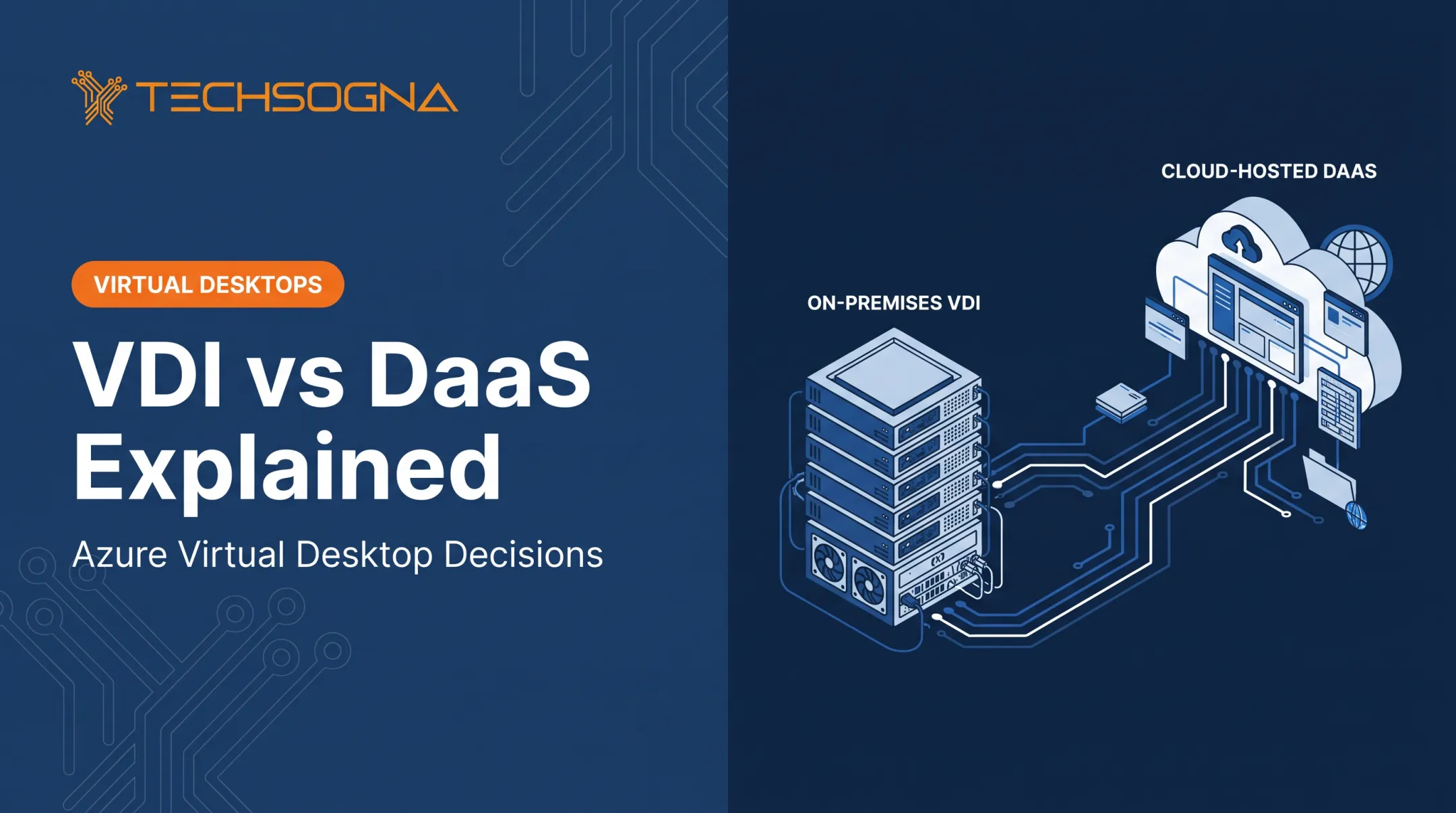
Cloud desktops and DaaS
- AVD on Azure: Microsoft runs the control plane. You manage session hosts, images, apps, and identities.
- Windows 365: Microsoft-hosted Cloud PCs at a fixed monthly per-user price. You still own OS and application security.
- Windows 365 Flex (formerly Frontline): Dedicated mode allows up to three Cloud PCs per license with one active. Shared mode serves sequential users.
- AVD Hybrid: Session hosts run on-premises, managed from Azure through Azure Arc. Release notes list GA while the overview still says preview, so verify before you commit.
A simple rule of thumb: Windows 365 fits persistent per-user desktops and predictable cost. AVD fits large or variable workforces and complex apps.

What Are the Benefits and Use Cases of VDI?
Centralized management
IT maintains one golden image instead of patching every laptop. Supporting tools include:
- Azure Compute Gallery for image versioning and replication
- Nerdio Manager for staged image versions and re-imaging
- Intune for application management
Baptist Health's Epic integration shows the payoff. In Microsoft's case study, app logins dropped from up to 3 minutes to as little as 5 seconds, with 4,400 hours saved annually. That's a Microsoft-reported result, not a platform benchmark.
Security, compliance, and data control
Keeping data in a controlled environment reduces exposure from lost endpoints. It doesn't replace MFA, Conditional Access, least privilege, endpoint protection, hardened images, logging, and tested backups.
Auditors in regulated sectors look for evidence:
- HIPAA: risk analysis, authorized access, audit records, and backup and restoration plans.
- NIST 800-171 / CMMC: FCI and CUI scope, plus DFARS safeguarding obligations.
- PCI: responsibility allocation, segmentation diagrams, and correlated logs.
- STIG and CIS: the Intune STIG baseline reports findings but doesn't enforce settings.
These frameworks describe controls. They don't make your deployment compliant automatically.
Remote work, BYOD, and shared workstations
VDI gives contractors, seasonal staff, clinicians, and call center agents a consistent Windows environment without putting the full corporate desktop on every device. Match access to role, device trust, and session sensitivity. Not everyone needs the same desktop.
Scalability, continuity, and specialized workloads
Cloud VDI absorbs mergers, temporary capacity, and distributed teams. Recovery is still yours to plan. Hosts, profiles, apps, user data, and identity dependencies all need coverage, and Microsoft does not publish a universal RTO or RPO.
For GPU workloads, Azure has scheduled NVv3/NVv4 retirement for September 30, 2026. Microsoft's AVD GPU guide lists NVadsA10 v5 instead.
Cost and operational efficiency
VDI doesn't always cost less. Model users, concurrency, hours, VM sizes, storage, network, and licensing. Microsoft's cost guidance treats reservations, savings plans, and autoscale as optimizations, not guarantees.
One concrete pricing point: external AVD users cost $10 per user per month for desktops or $5.50 for apps under per-user access pricing. Eligible Microsoft 365 and Windows Enterprise licenses include AVD access, but Azure compute, storage, and networking remain billable.
Unused licenses add up quickly. In one environment TechSogna reviewed, 10 idle paid licenses cost $2,784 a year.

VDI Security, Challenges, and Cost Considerations
VDI in cybersecurity
Centralizing data and policy helps. It doesn't eliminate credential theft, malware, insider risk, or misconfiguration. CISA documents RDP session hijacking for lateral movement, including hijacking with SYSTEM permissions without the user's credentials.
Baseline controls:
- MFA for every sign-in
- Conditional Access beyond a pilot group
- Endpoint protection and EDR
- Restricted administrator privileges
- User and admin logging, with enough retention to be useful
Gaps appear in real environments. In one audit sample, MFA was enforced but Conditional Access covered only a pilot group, and a security log held less than a day of data.
Performance and user experience risks
Latency, jitter, bandwidth, storage speed, session density, and profile loading all shape the experience. Microsoft's sizing baselines set maximum users per vCPU by workload:
- Light: 6
- Medium: 4
- Heavy: 2
- Power: 1
Concurrent sign-ins need extra headroom.
Performance-testing checklist:
- Measure round-trip latency and packet loss from each user location
- Confirm UDP-based transport (RDP Shortpath) works, since blocked UDP falls back to TCP
- Test FSLogix profile storage latency under peak logon
- Run synthetic logins with a tool such as Login Enterprise
- Validate Teams optimization, printing, and USB peripherals
- Test GPU applications on the intended VM series
- Ramp load gradually and watch CPU, paging, disk, and network
Operational and financial challenges
Someone still has to own the full stack:
- Images and brokers
- Profiles and identity
- Storage and licensing
- Autoscaling, monitoring, and backups
- Incident response
Cloud VDI shifts that responsibility rather than removing it. Smaller IT teams often lack specialists for the work, so cost shows up in staffing and outside support instead of vanishing into the cloud bill.
How Does VDI Compare With Other Desktop Technologies?
VDI vs. VM, RDP, RDS, VPN, and DaaS
| Option | What it is | Choose it for |
|---|---|---|
| VM | General-purpose virtual computer | Isolated workloads |
| RDP | Remote display protocol | Connecting to a remote session |
| RDS | Windows Server shared sessions or published apps | Shared sessions, app-only access |
| VPN | Network connectivity | Reaching internal resources |
| DaaS | Provider-delivered hosted desktops | Offloading infrastructure |
Major VDI platforms
- Azure Virtual Desktop: Azure, Azure Local, and Hybrid; user entitlements plus infrastructure consumption.
- Windows 365: Microsoft-hosted Cloud PCs at a fixed monthly price.
- Citrix DaaS / Virtual Apps and Desktops: cloud-managed or on-premises, with licensing that varies by offering.
- Omnissa Horizon: on-premises, public, or hybrid cloud. Omnissa ended availability of perpetual licenses on August 11, 2025, so new licenses are term or SaaS.
- Amazon WorkSpaces: Personal (persistent) and Pools (non-persistent), with different metering.
This list isn't a ranking. Judge each against app compatibility, identity, endpoint support, hybrid capability, compliance, pricing, and your team's skills.
Citrix and legacy modernization
Citrix and on-premises shops often evaluate AVD, Windows 365, or AVD Hybrid to extend existing infrastructure without a full rip-and-replace.
Plan the transition around:
- Application dependencies and user profiles
- Networking, licensing, and pilot groups
- A clear rollback path
Citrix's own white paper describes a hybrid transition path, with Citrix licensing and Azure infrastructure billed separately.
How Should an Organization Evaluate and Implement VDI?
Define users, applications, and goals
Segment users by workload, apps, mobility, endpoint ownership, persistence needs, graphics requirements, and access sensitivity.
Capture baselines first, then set measurable goals for user experience, security, recovery, onboarding speed, admin effort, and cost.
Assess the existing environment
Review the current stack:
- Identity (Active Directory or Entra ID dependencies)
- Network paths, endpoints, and application compatibility
- Storage, profiles, security tooling, and backup
- Compliance duties and any Citrix footprint
For capacity, plan around concurrent users, peak demand, session density, storage IOPS, licensing, and growth.
Design the target architecture
- Standardized images and profile management
- Conditional Access, MFA, and Intune
- Endpoint security, logging, backup, and disaster recovery
- Documented administrative roles
- Persistent, pooled, personal, hybrid, or cloud-hosted desktops chosen from the assessment, not by default
Pilot, migrate, and validate
Pilot with representative users, difficult apps, low-bandwidth sites, shared devices, peripherals, and help-desk workflows. Define acceptance criteria before wider rollout:
- Sign-in time and application performance
- Printing and Teams workloads
- Profile persistence
- Data protection and recovery
- Support readiness
Windows WebRTC support for Teams ended October 1, 2026, so confirm your optimization path.
Operate, optimize, and document
Ongoing work includes:
- Image updates and patching
- Monitoring, autoscaling, and rightsizing
- Access and cost reviews
- Backup testing and As-Built documentation
TechSogna is a Microsoft Partner and Authorized Nerdio Partner that supports organizations across assessment, AVD or Windows 365 design, Nerdio Manager deployment, security hardening, documentation, and optimization. It offers business-hours co-management (Monday to Friday, 9 a.m. to 6 p.m. CT) and fixed-fee, read-only health checks starting at $3,500. Outcomes depend on your environment.
Frequently Asked Questions
What is VDI (virtual desktop) and how does it work?
VDI hosts desktops on centralized servers or cloud infrastructure. Users authenticate, a broker assigns a desktop, and a remote display protocol streams the screen to their device.
What's the difference between VDI, a virtual machine (VM), and a remote desktop (RDP)?
A VM is a virtual computer. VDI delivers managed desktops to users at scale. RDP is the protocol used to display and connect to a remote session.
How do I access a VDI virtual desktop?
Use a browser, desktop client, thin client, or mobile device, and sign in with your organization's credentials. You need a network connection that meets latency and bandwidth requirements.
What's the difference between private cloud and on-premises VDI?
On-premises means you own and run the infrastructure in your facilities. A private cloud is dedicated to one organization but can be hosted on or off premises, so ownership, maintenance, and scalability vary.
What are the top virtualization platforms/software for running VDI?
Major options include Azure Virtual Desktop, Windows 365, Citrix, Omnissa Horizon, and Amazon WorkSpaces. Compare app compatibility, management, security, licensing, hybrid support, and total cost.
What is VDI in cybersecurity?
VDI centralizes data and policy enforcement, which reduces endpoint exposure. MFA, Conditional Access, endpoint security, hardening, monitoring, and least privilege are still required.