They're all partly right, because these terms sit on different layers of the stack. Mixing them up leads to bad architecture, surprise licensing bills, and security gaps. Hybrid work makes it urgent: Gallup's 2026 data shows 54% of US employees with remote-capable jobs work hybrid, and another 25% are fully remote.
This guide defines each term, compares how they work, and helps US organizations decide between direct remote access, shared RDS sessions, VDI, and cloud services like Azure Virtual Desktop (AVD).
Key Takeaways
- Remote desktop is the experience, VDI is an architecture, and RDP is a protocol.
- VDI offers more isolation and personalization; RDS/RDP is simpler for standardized users.
- AVD is one Microsoft cloud way to deliver VDI, not a synonym for it.
- Choose by apps, users, security, scale, and total cost, not by label.
Remote Desktop vs VDI vs RDP: Quick Comparison
Each term answers a different question:
- Remote desktop: the ability to control a computer, desktop, or app from another device. The target may be a physical PC, a shared session, a VM, or a cloud desktop.
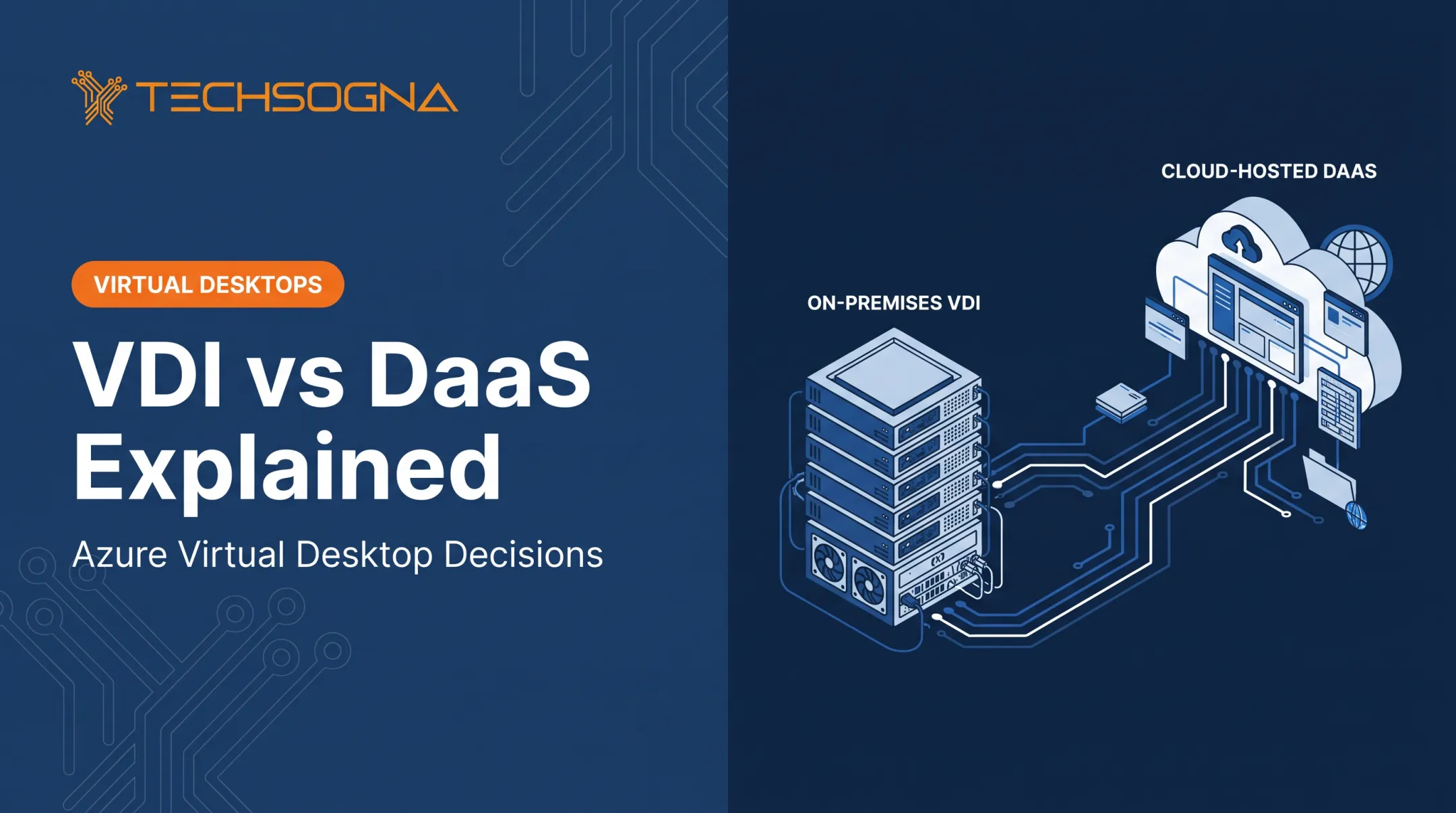
- VDI: an infrastructure model that hosts desktop operating systems in virtual machines and delivers them centrally.
- RDP: Microsoft's remote display and input protocol. It is a connection method, not a deployment model.
Architecture and user experience
Remote desktop may connect one user to one physical PC or to a central environment. VDI allocates a personal or pooled VM per user. RDS (Remote Desktop Services) uses shared Windows Server sessions. RDP can carry traffic in any of them.
VDI supports persistent desktops, role-based pools, and dedicated resources for specialized applications. RDS emphasizes standardized, shared sessions. Direct access simply reflects how the host PC is configured.

Cost, scalability, and effort
| Approach | Cost model | Operational effort |
|---|---|---|
| Direct remote access | Uses existing workstations | Low to start, hard to standardize at scale |
| RDS | Windows Server plus Server CAL and RDS CAL per user or device, per Microsoft licensing guidance | Higher user density for consistent workloads |
| AVD (Azure Virtual Desktop) | Eligible license plus Azure consumption (compute, disks, storage, bandwidth) | Microsoft runs broker and gateway; your team runs desktops and apps |
| Windows 365 | Fixed monthly per-user license | Lowest admin load, one Cloud PC per user |
Application licensing is separate in every case, and staffing is a real cost line.
Security
Centralized VDI can keep data off endpoints, but security still depends on identity, images, network, and management. Never expose RDP directly to the internet. Joint CISA, FBI, and NSA guidance says to avoid open internet-facing RDP ports, including on cloud VMs.
Baseline controls:
- RD Gateway so users reach RDS without exposing RDP to the internet
- MFA and Conditional Access
- Network Level Authentication (NLA) enabled
- Network segmentation and least-privilege admin access
- Patching and centralized logging
RDP is part of the stack
RDP often sits inside VDI rather than competing with it. A user reaching an AVD desktop connects over an RDP-based channel. That doesn't make AVD and RDP the same thing.
What Are Remote Desktop, VDI, and RDP?
What Is Remote Desktop?
Remote desktop is the user-facing ability to access and control a remote computer, session, or app. Don't confuse the generic idea with Microsoft products that reuse the words.
Three common models:
- One-to-one access to an assigned workstation: little infrastructure to build, but it depends on that PC staying on and healthy.
- Shared sessions through RDS: efficient, with a standardized experience.
- Centrally hosted virtual desktops via VDI or a cloud service: users keep the same desktop across any endpoint, with more admin work behind it.
What Is VDI?
VDI runs desktop operating systems in VMs on central or cloud infrastructure. The stack includes connection brokering, identity, image management, storage, and policy.
Desktops can be persistent (they keep customization) or non-persistent (they reset). One caution: in AVD, both personal and pooled hosts are persistent by default, so pooled doesn't mean disposable.
Specialized users usually need dedicated, persistent desktops. Task workers often fit standardized pools. Either way, plan capacity and test user experience early.
What Is RDP?
RDP transmits display and input between a client and a Windows host. It supports remote administration, direct workstation access, RDS sessions, and AVD or Windows 365 delivery.
Related terms:
- RDS: Microsoft's server-role framework for delivering sessions or apps.
- RDP: the protocol RDS and AVD use to carry the session.
- VPN: network-layer access, not a desktop session.
Use Cases of Remote Desktop, VDI, and RDP
Direct remote desktop fits when staff need a specific existing workstation, IT administers a machine, or access needs are small and simple.
VDI or a cloud desktop service is the stronger choice when central control, user isolation, application consistency, BYOD, regulated data handling, or fast role-based provisioning matter more than a simple initial setup.
RDS/RDP session delivery fits when users do similar work in compatible Windows applications and can accept shared server resources.
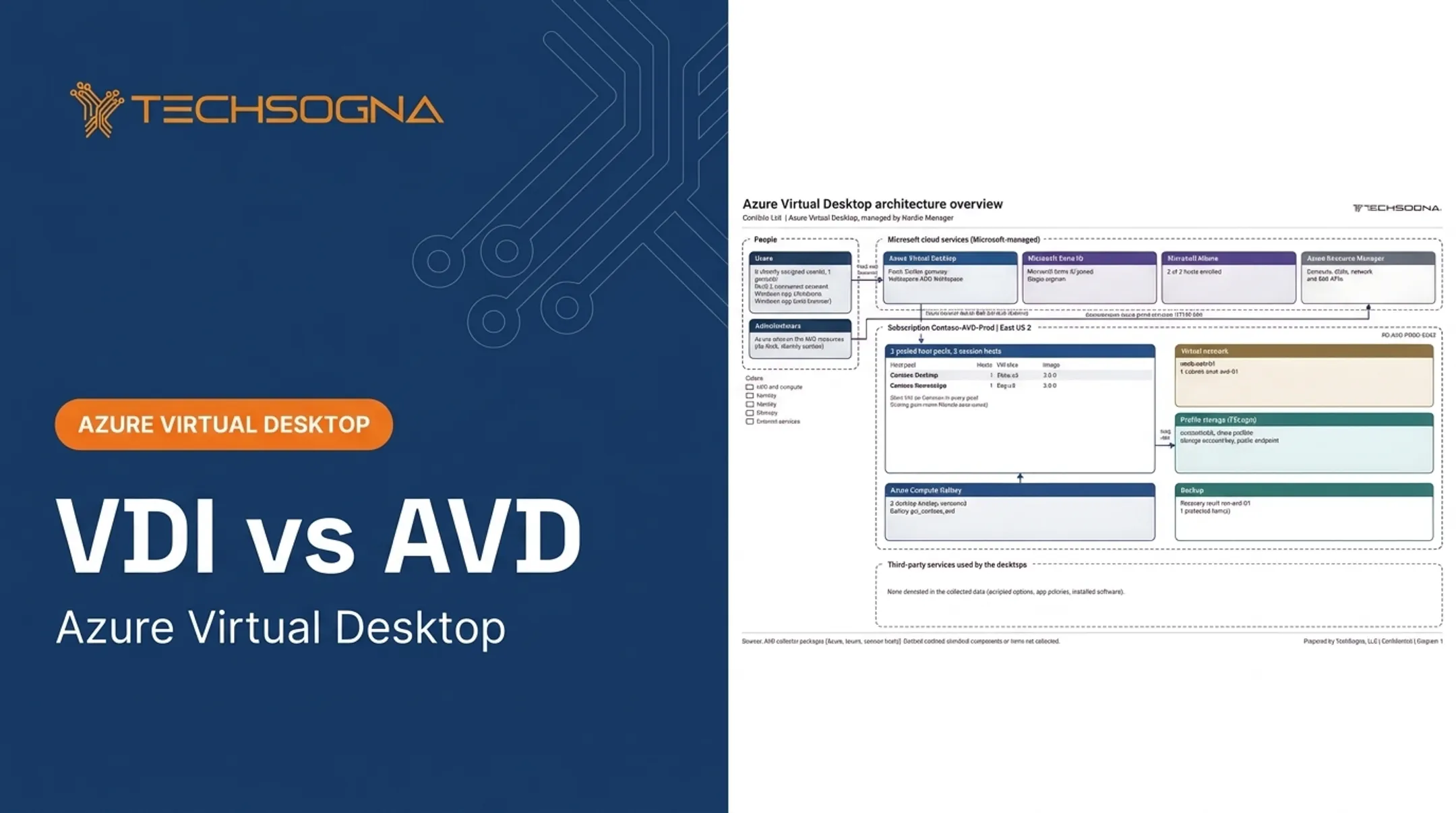
Azure Virtual Desktop gives you Microsoft-hosted desktop and app delivery. You still decide:
- Identity and networking
- Profiles and images
- Security, scaling, and monitoring
- Cost management
Compatibility matters here. Windows 11 Enterprise multi-session supports concurrent sessions, yet some installers block it. Microsoft's guidance is to ask the application vendor for an updated version.

Remote Desktop vs VDI vs RDP: What Is Better?
There's no universal winner. The right answer depends on whether you're solving one-user access, shared app delivery, or centralized desktops.
- Direct remote access: best for reaching a known PC with minimal change. Limits: host availability, standardization, endpoint dependence, scale.
- VDI: best for isolated or personalized desktops, specialized apps, and a consistent experience across endpoints. Needs design, storage, networking, image management, and skilled operations.
- RDS/RDP sessions: best for similar users who accept shared sessions and want density and lower overhead. Test applications and plan session-host capacity.
- AVD or another cloud model: best for variable capacity, distributed users, or leaving on-premises infrastructure. The operating model changes, but architecture, security, and cost duties remain.
Decision checklist
- User count and growth
- Geographic distribution
- Application compatibility
- Graphics and performance needs
- Persistence
- Identity and MFA
- Compliance and data residency
- Internet reliability
- Recovery objectives
- Licensing
- Your team's ability to run it
If you lean toward multi-session hosts, capacity planning comes next. Microsoft's starting guidelines suggest up to 6 light, 4 medium, 2 heavy, or 1 power user per vCPU. Treat these as starting points and pilot first.
When you already run AVD without VDI specialists
Many internal IT teams deploy AVD and then wonder whether it's built right. TechSogna's independent AVD Health Check is a fixed-scope, read-only review of 52 checks across eight areas, including architecture, identity, security, scaling and cost, and monitoring.
It starts at $3,500. Ongoing business-hours co-management then supports your team while you keep day-to-day control.
Real-World Examples and Case Studies
Baptist Health: Epic on AVD
According to a Microsoft customer story from December 2024, Baptist Health clinicians moved between devices and locations and had to log in repeatedly. Each new application login took up to three minutes.
Epic had been accessed through an unnamed third-party platform hosted on-premises. Baptist Health wanted a more flexible VDI solution and chose AVD on Azure Local, rolling out department by department starting in Emergency. They also planned a move to Windows 11 Enterprise multi-session.
Published outcomes:
- 4,400 hours saved annually
- Login times down to a low of 5 seconds
- Up to $1 million in potential annual savings across 1,200 devices
Note the boundaries. Five seconds is a reported low, the savings are potential rather than realized, and 1,200 is a device count, not a user count. Your results will differ.

Takeaway
Similar organizations should validate:
- Application compatibility
- Identity and access controls
- Network performance
- Profile behavior
- Total cost
Considering an AVD, RDS, or hybrid desktop transition? Talk to TechSogna about an assessment. The team has migrated organizations off Citrix and on-premises VDI.
Conclusion
Match each model to the access pattern you need:
- Direct remote desktop for specific-machine access
- RDS/RDP for standardized shared sessions
- VDI and cloud desktops for centralized, scalable, personalized delivery
RDP is a protocol, not a rival architecture. Results still depend on secure design, identity controls, application testing, monitoring, documentation, and ongoing cost optimization.
Frequently Asked Questions
What is the difference between remote desktop and VDI?
Remote desktop is a broad access category covering physical PCs, RDS sessions, VDI, and cloud desktops. VDI specifically hosts desktops in virtual machines.
Are Azure Virtual Desktop (AVD) and VDI the same thing?
No. VDI is the architecture; AVD is a Microsoft cloud service that can deliver virtual desktops and apps. It's one way to implement VDI.
Is Remote Desktop being phased out?
No. Microsoft retired the Store Remote Desktop app (May 2025) in favor of Windows App, and the MSI client's public-cloud support ended March 2026. RDP and RDS remain supported. Avoid publicly exposed configurations.
Is Citrix a VDI solution or a VPN?
Citrix delivers virtual desktops and apps. A VPN provides secure network connectivity. They can work together but aren't the same.
Which is more secure, VDI or RDP?
Neither wins automatically. VDI can offer stronger isolation, but MFA, patching, segmentation, gateways, monitoring, and configuration decide the outcome.
When should a business choose VDI over RDP?
Choose VDI for personalized or isolated desktops, specialized apps, centralized data controls, or compliance needs. RDS/RDP suits standardized shared workloads.