Introduction
Windows 365 gives each user a dedicated Cloud PC. Managing hundreds of them is a different story: provisioning, applications, policies, security controls, and license costs all pull in different directions.
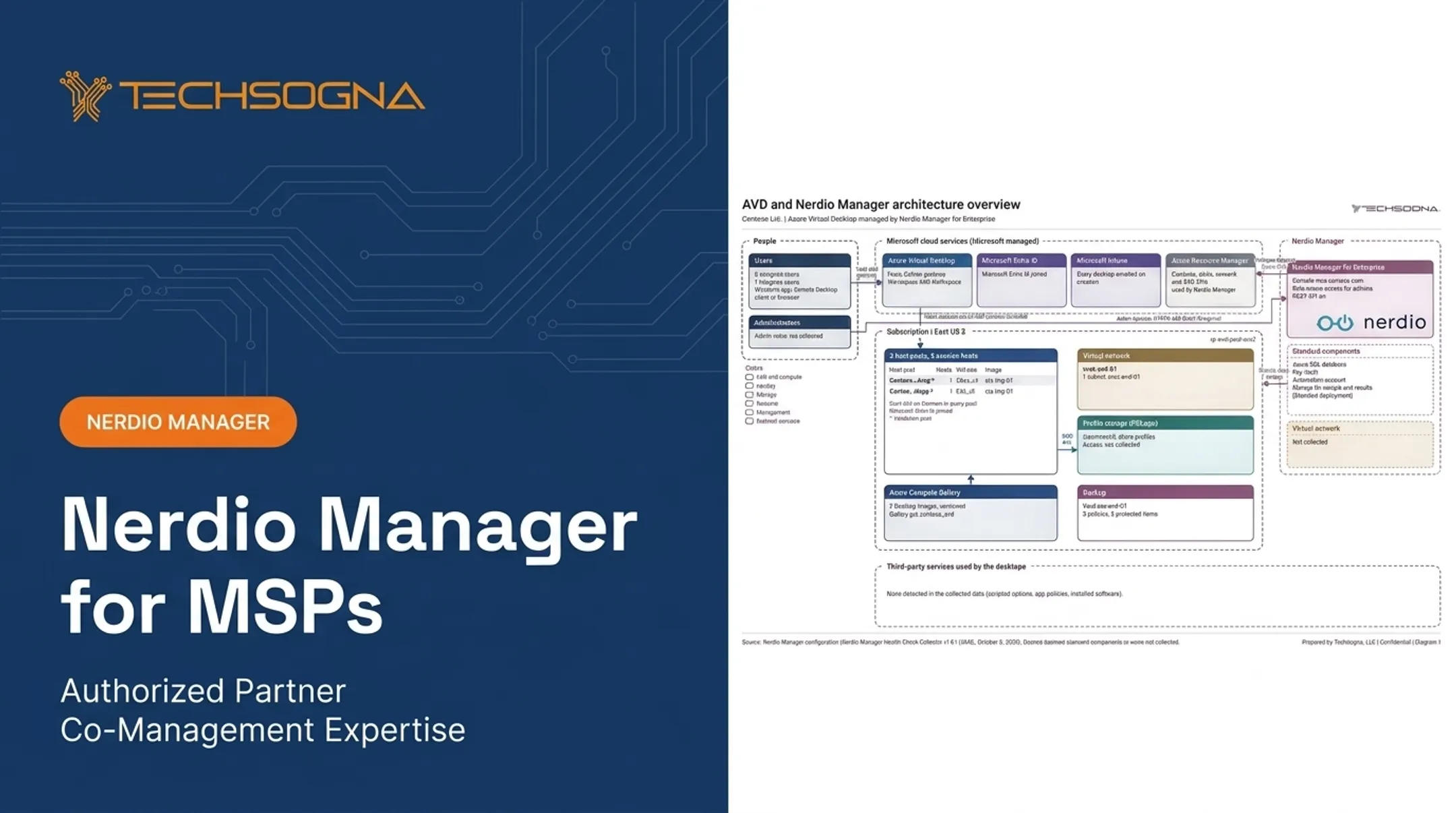
Nerdio Manager for Enterprise adds management, automation, and optimization around Microsoft cloud desktops. Windows 365 remains the Cloud PC service, and Microsoft licensing remains a separate line item.
Microsoft's own Forrester-based research found that Windows 365 and AVD deployments took anywhere from 3 to 18 months depending on size and scope.
This article covers what Nerdio does for Windows 365, where it helps, what to evaluate before deployment, and when specialist support makes sense.
Key Takeaways
- Nerdio Manager for Enterprise centralizes Cloud PC, image, application and policy management.
- It supplements Windows 365, Microsoft 365, Intune and Azure. It doesn't replace them.
- The business case rests on efficiency, visibility, automation, governance and cost optimization.
- Verify pricing, licensing, prerequisites and support ownership before you commit.
What Is Nerdio for Windows 365?
Windows 365 is Microsoft's cloud-based Cloud PC service. Each user gets a dedicated Windows desktop, reachable from supported devices through the Windows App or a browser. In the Enterprise edition, users have a 1:1 relationship with their Cloud PC.
Nerdio Manager for Enterprise (NME) is a separate management and optimization platform. It manages Azure Virtual Desktop (AVD), Windows 365 and Intune, and its lifecycle features explicitly cover Windows 365 Enterprise Cloud PCs.
Who does what
- Windows 365: the Cloud PC service and desktop experience.
- Microsoft 365 and Windows licensing: the required entitlements. Enterprise needs Windows E3, Intune, Entra ID P1 and Windows 365 per user.
- Intune: endpoint, application, policy and compliance management for Enterprise Cloud PCs.
- Nerdio: workflows, automation, visibility and optimization on top of those services.
Why native administration gets hard
Intune already gives you Cloud PC inventory, search and filtering. Trouble starts at scale: separate management surfaces, manual provisioning, inconsistent policies, limited utilization visibility and repetitive support tasks.
Enterprise versus MSP
Nerdio Manager for Enterprise suits organizations managing their own environment. Nerdio Manager for MSP is a separate product for providers delivering Microsoft cloud services across multiple customer tenants. If you run Windows 365 Business (up to 300 seats), confirm NME support for that edition with Nerdio or your partner before you buy; coverage is clearest for Enterprise Cloud PCs.
How Nerdio Improves Windows 365 Management
Centralized administration and lifecycle automation
NME provisioning policies map a network connection and an image to Entra security groups. Lifecycle actions include:
- Restart, reprovision, restore and resize
- Removal and reclamation
- Defender scans and updates
- Local administrator password rotation
Policy creation is marked Premium-only in Nerdio's documentation. Keep approval and access-control processes in place for these actions.
Applications and images
Unified Application Management deploys applications to AVD session hosts and Intune-managed devices. Nerdio also supports reusing AVD images for Cloud PC deployments, which makes packaging, testing and rollback more repeatable.
Working alongside Intune
NME supports Intune-enrolled Cloud PCs. You can limit visibility by platform, device type, Entra group and primary-user status, so administrators can spot failed deployments or devices needing remediation without replacing Intune.
Governance and visibility
- Granular delegated RBAC, including a view-only Reviewer role
- A task audit trail with JSON export and configurable retention
- Cloud PC alerts, viewable with the Intune Administrator or Windows 365 Administrator role
Automation needs change control
Reprovisioning replaces a Cloud PC and deletes existing data, applications and customizations. Shared images and orchestration don't change that.
A safer pattern for an image update:
- Build and test the new image in a lab.
- Assign it to a small pilot group.
- Confirm applications, performance and user data handling.
- Roll out in waves, with rollback steps documented.

Microsoft's update-ring guidance uses the same test, pilot and production logic.
Key Benefits and Use Cases for Nerdio and Windows 365
Cost management, without promises
NME Advisor rules support size-increase, size-decrease and license-removal recommendations. Windows 365 Insights also shows resize, license-change and License Reclaim suggestions. These help find underused or overprovisioned Cloud PCs. Treat any projected savings as estimates, not guarantees.
One caution: Nerdio's auto-scaling savings claims concern AVD. Windows 365 bills per user per month, so stopping machines doesn't cut the bill.
Less repetitive IT work
Standardize the tasks that eat your week:
- Onboarding and offboarding
- Provisioning and application delivery
- Patching and remediation
Nerdio's October 2025 release quotes a City of Corona administrator saying that work that once took months can now be done in weeks. It's a vendor-published testimonial, not a benchmark.
Security and compliance
Microsoft recommends Conditional Access, Entra MFA, Defender for Endpoint and Intune compliance policies. Nerdio contributes role separation, least-privilege administration, audit evidence and consistent configuration baselines. Identity and device trust still need proper Microsoft configuration.
Distributed, BYOD and contractor-heavy teams
Repeatable provisioning and access workflows suit remote staff, BYOD users and seasonal contractors. Data protection controls remain a Microsoft configuration task.
Windows 365 alongside AVD
Windows 365 fits dedicated, predictable workloads. AVD fits pooled, variable or heavily customized ones. A unified layer reduces the burden of running both, but architecture, licensing and operational responsibilities still differ.
Limitations to weigh
- Nerdio adds licensing cost on top of Microsoft's.
- Configuration and governance decisions fall to you.
- Staff must understand both Nerdio and the underlying Microsoft services.
Planning a Nerdio for Windows 365 Deployment
Discovery questions
- How many users, and dedicated or shared?
- Which Microsoft 365 licenses already exist?
- Is Intune ready, and what is the identity architecture?
- Which applications, network paths and compliance obligations apply?
- Who owns support?
Prerequisites to verify
Check each item against current Microsoft and Nerdio documentation:
- Enabling Windows 365 in Nerdio Manager for Enterprise (NME) requires a Global Administrator, Intune and Windows 365 licenses, and Entra consent.
- NME runs as an Azure App Service in your subscription, which needs funding and a VNet/subnet.
- Installation needs Entra Global Administrator and Azure Owner permissions. Ongoing administration does not.
- Azure network connections need a same-region VNet and reachable endpoints. Hybrid join adds AD DS DNS and domain controller connectivity.
- Entra-joined Cloud PCs on Microsoft's hosted network need no customer Azure subscription.
Phased rollout
- Assess the environment and document requirements.
- Pilot with representative users and applications.
- Test identity, Conditional Access, application delivery, performance, printing, peripherals, support workflows and recovery.
- Expand in waves with monitoring, communications, rollback procedures and updated documentation.

Cost model
Keep these layers separate:
- Windows 365 licensing (Microsoft's published pricing lists $41 per user per month for a 2 vCPU, 8 GB, 128 GB configuration)
- Microsoft 365 and Intune entitlements
- Azure networking and related services
- Nerdio licensing, billed through Azure Marketplace
- Implementation and support services
Nerdio's cloud plans are quote-based with no fixed rate displayed. Microsoft and Nerdio change prices and offers, so confirm current figures before budgeting.
Choosing Implementation and Ongoing Support
When to bring in help
Internal teams can run a small, simple environment. Specialist help pays off for:
- Migrations from Citrix or on-premises VDI
- Regulated deployments
- Complex identity integrations
- Application-heavy rollouts
- Teams without dedicated end-user computing expertise
What to evaluate in a provider
- Assessment and architecture design
- Deployment and security hardening
- Intune and identity alignment
- Application and image management
- Cost optimization and right-sizing
- Documentation, runbooks and training
- Ongoing co-management model
TechSogna as an option
TechSogna is a Microsoft Partner and Authorized Nerdio Partner serving U.S. organizations, with offices in Austin and Amsterdam. Its engineers bring 10+ years in enterprise virtual desktops and hold Nerdio Manager for Enterprise certification.

Services cover assessment, deployment, optimization and business-hours co-management (Mon-Fri, 9-6 CT). Fixed-fee Nerdio health checks and As-Built documentation start at $3,500, and deployment work is scoped after a short call.
If you want an independent assessment, deployment plan, documentation or operational support for your Windows 365 or Nerdio environment, TechSogna offers a free 15-minute fit check with no report or obligation.
Frequently Asked Questions
How much does Nerdio cost?
Pricing depends on product, edition, user scope and current terms. Nerdio licensing is separate from Microsoft, Windows 365, Intune, Azure and services costs. Request a current quote.
Do I really need to pay for Microsoft 365?
Yes. Nerdio doesn't replace Microsoft licensing. Required Microsoft 365, Windows, Intune or related licenses depend on your Windows 365 edition and scenario, so verify current requirements.
What does Nerdio software do?
It's a management and optimization layer for Microsoft cloud desktops. It supports provisioning, automation, application and image management, visibility, governance and cost optimization.
Is Nerdio a Microsoft partner?
Microsoft's Marketplace lists Nerdio Manager for Enterprise with a Certified software partner badge. TechSogna is a Microsoft Partner and Authorized Nerdio Partner. Confirm current designations on Microsoft's partner listings.
What is the difference between Nerdio and Windows 365?
Windows 365 is Microsoft's Cloud PC service. Nerdio is a separate platform that simplifies and extends management of Windows 365 and other Microsoft cloud desktops.
Can Nerdio manage Windows 365 and Azure Virtual Desktop together?
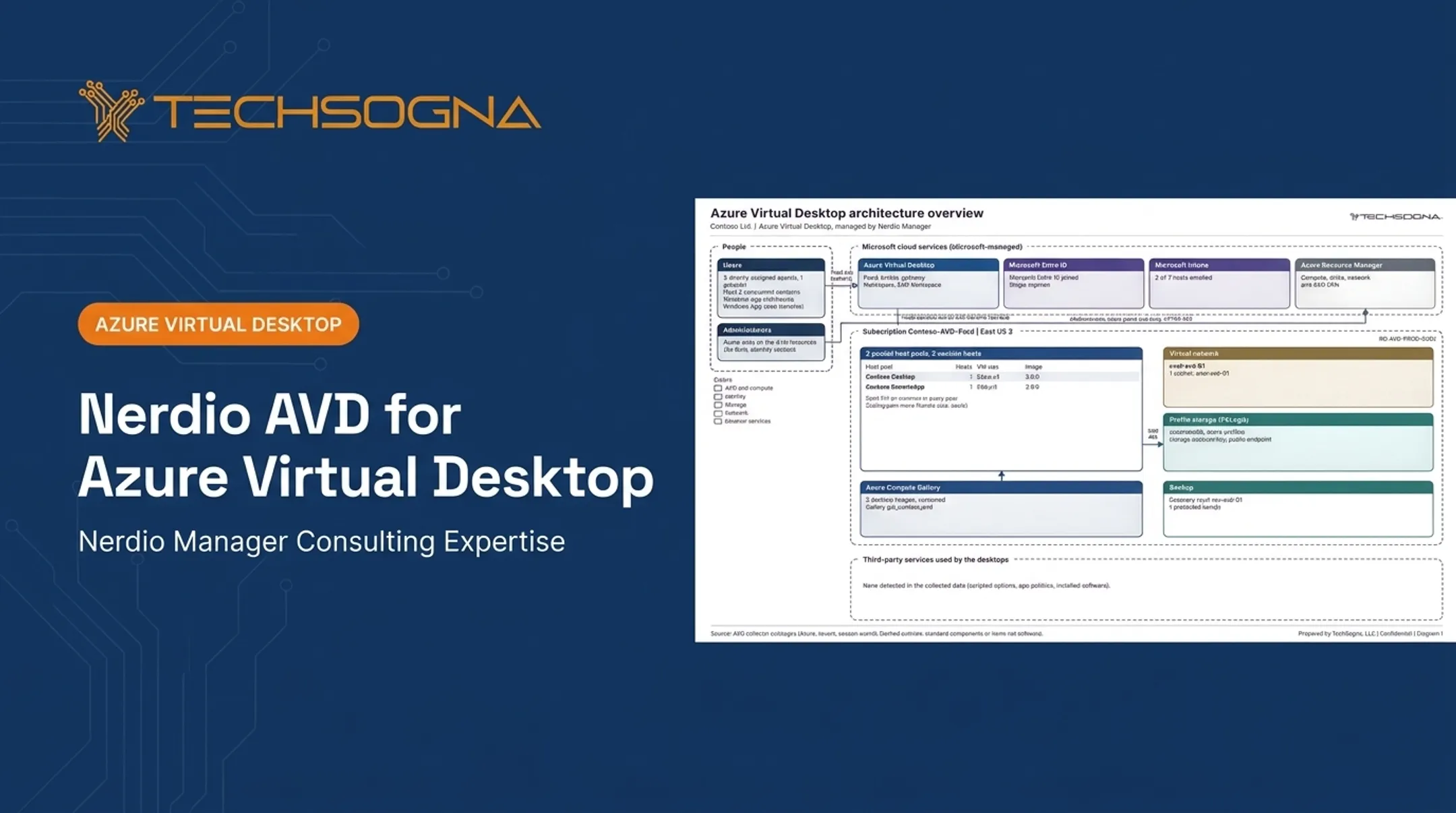
Yes, Nerdio Manager for Enterprise supports both. The services still differ in infrastructure, licensing, networking and operations.