Introduction
Employees now expect secure access to business applications, data, and workspaces from the office, a kitchen table, a client site, or a phone. End-user computing (EUC) covers all of it, which makes it much broader than issuing laptops.
The pressure is real. The BLS reports that 22.6% of workers teleworked in March 2026. That's workforce context, not desktop-service adoption, but it explains why fragmented devices, remote access, security, application delivery, support, and cloud cost control keep landing on IT's desk.
This guide covers EUC components, services, examples, benefits, risks, and a practical strategy.
Key Takeaways
- EUC is an operating model connecting users with devices, apps, desktops, data, and access controls.
- VDI and cloud desktops are EUC technologies, not the whole of EUC.
- Results depend on delivery model, governance, security, and cost management.
- Start with an assessment of users, workloads, and risks.
What Is End User Computing (EUC)?
End user computing is the combination of technologies, policies, and processes used to deliver and manage the devices, applications, desktops, data, and access controls employees need to work. Omnissa's glossary frames it the same way: physical and virtual desktops, mobile devices, SaaS, management, security, and access controls.
An umbrella, not a product
EUC is an operating model, not a single platform. Related terms sit inside it:
- Endpoint management: securing and managing devices and apps, for example with Intune
- VDI: centrally hosted virtual desktops accessed from compatible endpoints
- DaaS: provider-delivered cloud desktops billed by subscription
- Application virtualization: apps separated from the endpoint OS, so no local install
Scope and evolution
The scope runs from physical endpoints and operating systems to SaaS, virtual desktops and apps, identity, security, connectivity, monitoring, and user support. It grew out of individually configured on-premises PCs toward centralized, cloud-based, hybrid, browser-based, and virtualized workspaces.
What EUC doesn't guarantee
Centralized delivery can improve control and consistency. It doesn't automatically deliver security, performance, availability, or lower cost. Those outcomes come from architecture, configuration, governance, and ongoing operations.
What Are the Core Components of EUC?
End-user devices and endpoints
End-user devices are the physical endpoints people use to reach work resources: desktops, laptops, smartphones, tablets, thin clients, and other approved hardware.
Ownership changes the rules:
- Company-owned and managed: full policy control, highest support burden
- Shared: needs fast sign-out and clean session handling
- BYOD: privacy limits what IT can see and wipe. App-level management can remove work data without touching personal content
Applications, data, and desktop delivery
Users may reach locally installed apps, SaaS, web apps, file services, virtual apps, full virtual desktops, or cloud workspaces. Azure Virtual Desktop (AVD) offers pooled multi-session desktops, personal desktops, and RemoteApp. Windows 365 gives each user a dedicated Cloud PC.
No single model fits every workload. Browser access suits SaaS-heavy roles; a legacy app with a data-sensitive back end may need a virtual desktop.
Management, identity, and security controls
Management covers inventory, patching, configuration policies, image management, monitoring, and remote support. Identity and security layer on top:
- Single sign-on and multifactor authentication
- Conditional Access (which requires Entra ID P1 or P2)
- Intune compliance policies and Defender for Endpoint
- Encryption, logging, and data protection policies
- Least privilege for admins and users
Microsoft's documented workflow lets Defender device risk feed Intune compliance, so Conditional Access can block noncompliant devices.

Connectivity and operational services
A usable environment also depends on supporting services users notice most when they fail:
- Network connectivity, gateways, and profiles
- Printing and peripherals
- Licensing, backups, and disaster recovery
- Help desk processes and compliance evidence
- Lifecycle management
What Does EUC Do? Services, Use Cases, and Outcomes
End-user services
End-user services include provisioning devices and accounts, delivering apps and desktops, managing access, applying updates, monitoring health, responding to incidents, and retiring users or assets securely.
They connect employees with IT operations. Users get consistent access; administrators apply policy, troubleshoot, and keep visibility.
Common examples
| Use case | Business need | Trade-off to evaluate |
|---|---|---|
| Remote and hybrid work | Same desktop anywhere | Network dependence and latency |
| BYOD | Avoid buying devices | Privacy versus control |
| Contractors and seasonal staff | Fast access, clean offboarding | Excess permissions |
| Contact centers | Standard desktops at scale | Peripheral and audio support |
| Branch offices | Central management | Local connectivity quality |
| Regulated organizations | Evidence of hardening | Documentation effort |
| Testing and training | Disposable environments | Idle resource cost |
| M&A | Quick access across tenants | Identity integration |
| Hybrid legacy VDI | Gradual move to Azure | Running two platforms for a time |
Real deployments show the range. Baptist Health used AVD on Azure Local and reported app logins dropping from up to 3 minutes to as little as 5 seconds. That's a Microsoft-published, customer-specific result, not a universal benchmark.
What EUC enables
Done well, EUC supports consistent workspaces, faster onboarding, centralized administration, controlled application access, and flexible workforce models. Not every environment delivers the same result, and the numbers should be measured, not assumed.
Benefits, Risks, and Trade-Offs of EUC
Potential benefits
- Centralized management and policy consistency
- Access flexibility and business continuity
- Simpler onboarding, plus support for BYOD and contractors
- More adaptable capacity planning
Challenges
- Network dependence and latency
- Application compatibility and peripheral support
- Profile complexity and licensing decisions
- User-experience issues and the need for skilled admins
Latency matters in practice. Round trips under 100 ms generally feel local, while 100 to 200 ms is usable and higher feels laggy.

Governance and cost risks
- Incomplete asset inventory and shadow IT
- Excessive permissions and unmanaged personal devices
- Weak documentation and unclear ownership between internal IT and providers
- Underused resources: Flexera's 2026 cloud survey reports 29% wasted cloud spend, though that covers all cloud, not just desktops
Measure outcomes
Focus on measurable outcomes instead of generic claims. Track:
- Login experience and application performance
- Support volume and provisioning time
- Policy compliance and availability
- User satisfaction and cost by workload
Microsoft's AVD Insights separates connection from logon time, and Endpoint Analytics scores startup from 0 to 100.
How to Build a Secure, Scalable EUC Strategy
Assess users, workloads, and the current environment
Start with a full inventory of:
- Users, devices, applications, and data types
- Locations, access patterns, and network dependencies
- Regulatory requirements
- Existing on-premises, Citrix, VDI, or cloud desktop systems
Then segment by role: task workers, knowledge workers, developers, contractors, contact-center agents, and users with specialized apps or peripherals. Set measurable success criteria for security, experience, supportability, availability, onboarding, recovery, and cost before you choose a platform.

Select the right delivery model
Compare physical endpoints, SaaS and browser access, application virtualization, AVD, Windows 365, and hybrid designs against:
- Workload requirements and data sensitivity
- Connectivity and user mobility
- Operational control and scaling needs
Licensing differs. AVD needs an eligible per-user license, with infrastructure billed on top. Windows 365 Business caps at 300 users; Enterprise has no tenant limit. Also plan for:
- Identity integration and networking
- Profiles and image management
- Application compatibility
- Backup, disaster recovery, and exit or portability
Secure access and protect data by design
Build controls in from the start:
- Least privilege, MFA, and Conditional Access
- Device compliance, hardened images, and patching
- Endpoint protection, segmentation, and logging
- Data-loss prevention
Microsoft recommends endpoint protection on all AVD session hosts, since hosts remain customer- or partner-managed.
Validate controls against your own obligations. Frameworks such as NIST SP 800-207 (zero trust) and NIST SP 800-53 (least privilege, audit records) are common references. Retain evidence of configuration, privileged access, hardening, incident response, and recoverability. HIPAA documentation retention is six years, but that is not a blanket audit-log rule.
Optimize performance and cost over time
- Test user experience and plan capacity
- Right-size and autoscale
- Review licensing and schedule resources
- Tune applications
- Analyze consumption and support data regularly
Cloud desktops aren't automatically cheaper. Compare them against user demand, management effort, security requirements, hardware refresh cycles, and continuity needs. Small, underutilized deployments can carry higher per-user costs.
Operate, document, and improve
Assign clear ownership. Maintain the operational backbone:
- Change management and runbooks
- Architecture documentation and as-built records
- Onboarding and offboarding procedures
- Escalation paths and review cadences
When the person who built an environment leaves it undocumented, the next engineer or MSP inherits guesswork.
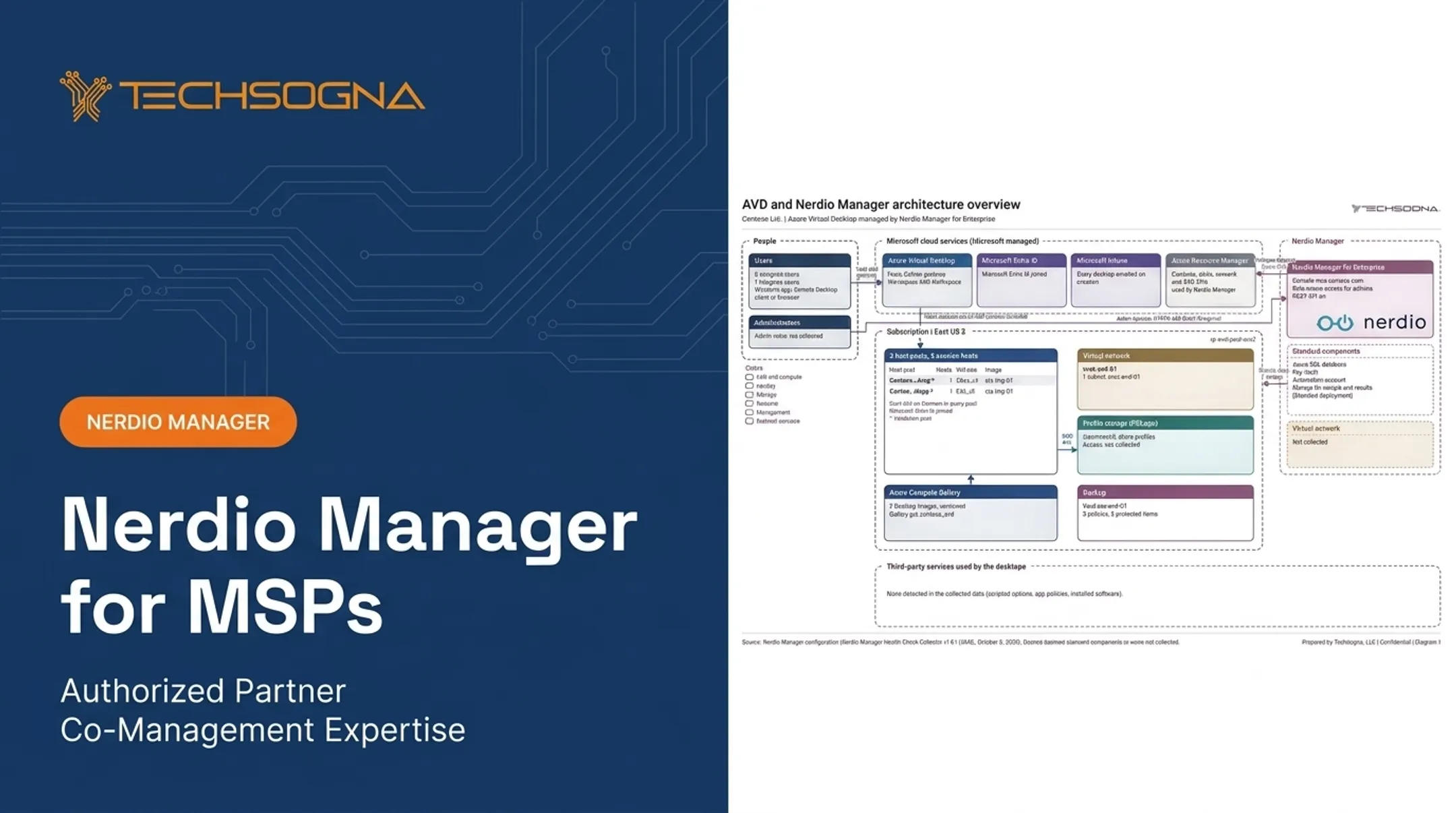
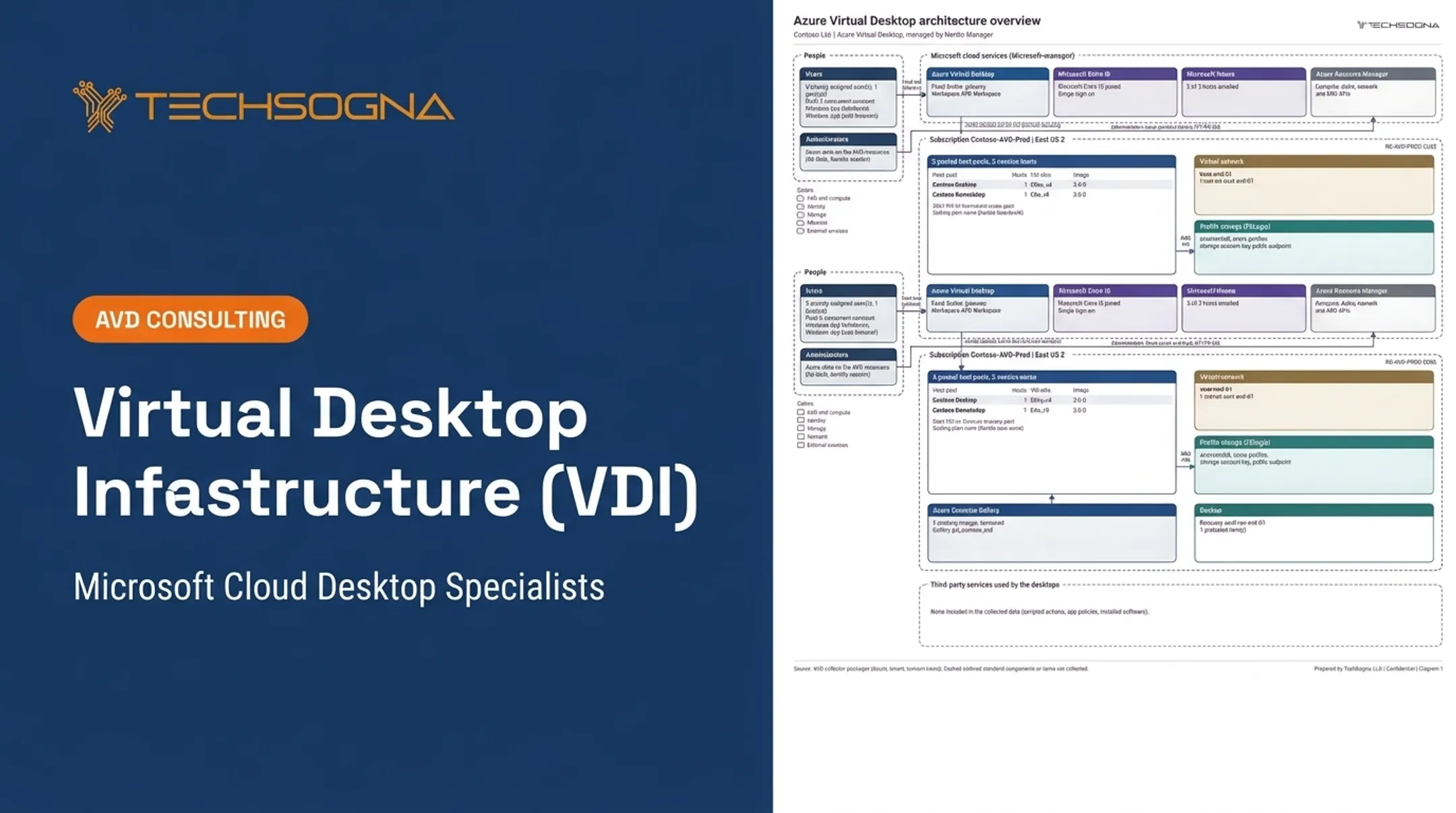
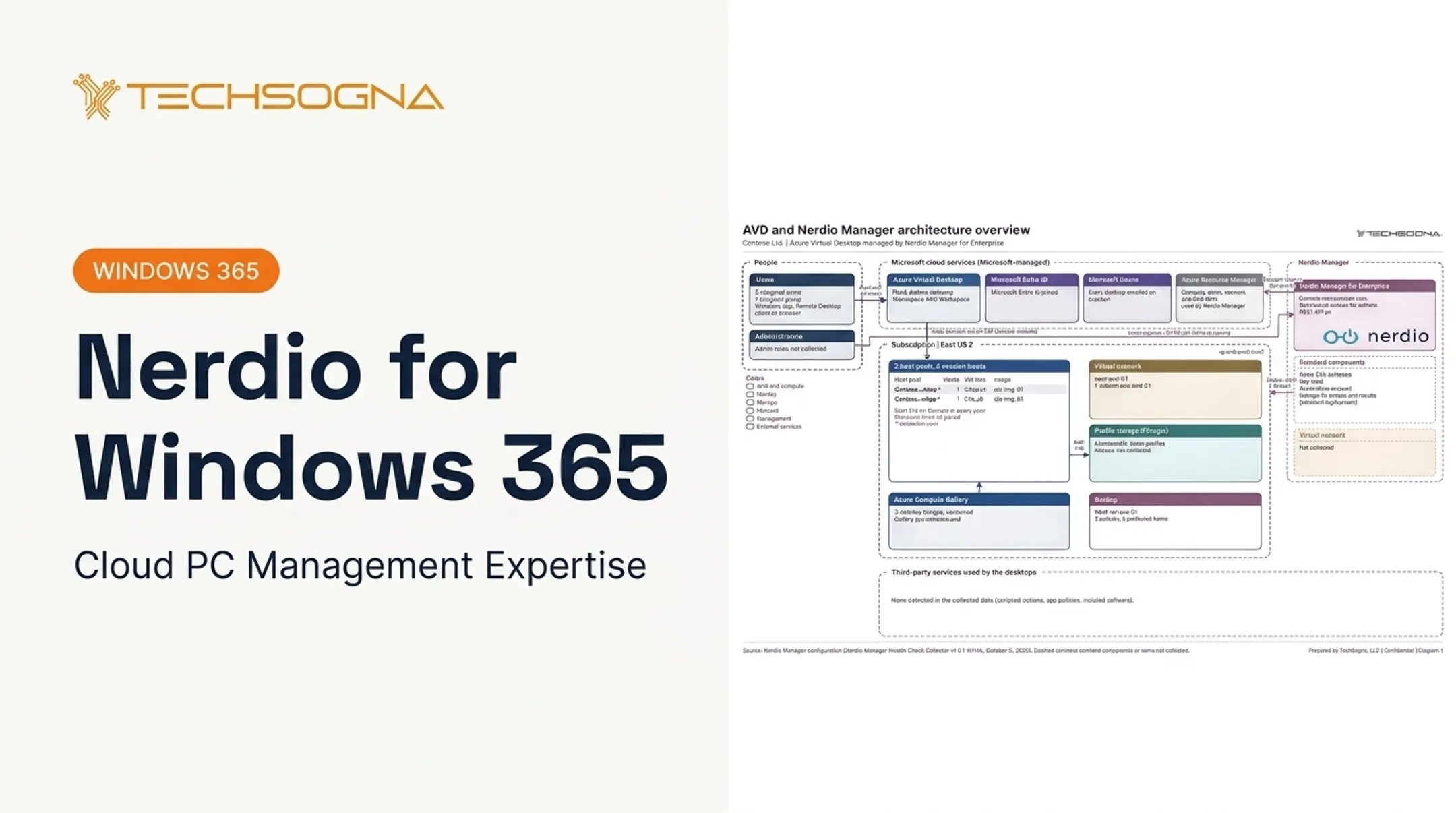
Organizations that want outside help can work with TechSogna, a Microsoft Partner and Authorized Nerdio Partner. TechSogna handles assessment, deployment, security hardening, documentation, cost optimization, and business-hours co-management for AVD, Windows 365, and Nerdio Manager. Fixed-fee health checks and As-Built assessments start at $3,500.
Frequently Asked Questions
What are end-user services?
End-user services include device and application provisioning, identity and access management, desktop delivery, endpoint management, monitoring, support, security, and lifecycle administration.
What does end user computing do?
It gives employees controlled access to the applications, data, desktops, and devices they need, while IT manages security, policies, performance, and support.
What are examples of end user computing?
Common examples include laptops, smartphones, SaaS and mobile apps, virtual applications, VDI, Azure Virtual Desktop, Windows 365, endpoint management, and secure BYOD access.
What is the meaning of end user devices?
The physical endpoints employees use to reach work resources: desktops, laptops, tablets, smartphones, thin clients, and approved personal devices.
What is the difference between end user computing and VDI?
EUC is the broader category covering devices, apps, security, management, and access. VDI is one way to deliver virtual desktops within an EUC strategy.
Is end user computing secure for remote and BYOD workers?
It can be, when identity, device compliance, Conditional Access, least privilege, data protection, monitoring, and offboarding are configured and maintained.