Introduction
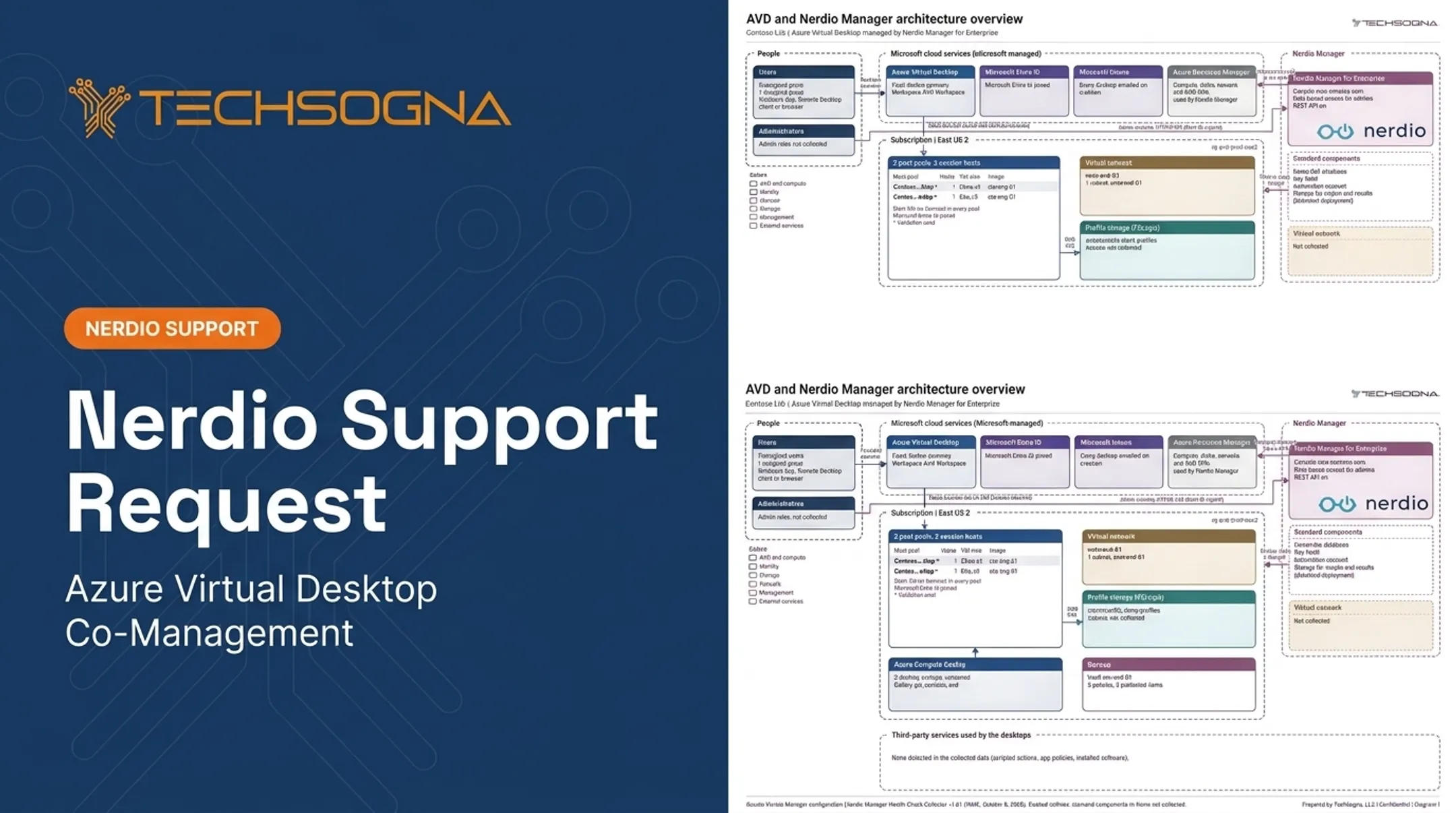
"Nerdio AVD" gets searched as if it were one product. It isn't. Azure Virtual Desktop (AVD) is Microsoft's cloud desktop service. Nerdio Manager is a separate management and automation platform that runs on top of Azure.
AVD delivers flexible cloud desktops, but designing host pools, images, profiles, identity, scaling, security, and cost controls takes real Azure and VDI knowledge. Many mid-market IT teams deploy AVD and then struggle to run it.
This article covers what Nerdio does, where it fits, what it may cost, how it compares with native Azure tools, and what to evaluate before you deploy.
Key Takeaways
- Nerdio Manager doesn't replace AVD; it simplifies deploying, managing, scaling, and monitoring it.
- Total cost combines Azure usage, Microsoft licensing, Nerdio licensing, and any services.
- Nerdio pays off with standardization needs, automated scaling, or thin in-house AVD expertise.
- Good architecture still decides the outcome, whatever tool sits on top.
What Is Nerdio AVD and How Does It Relate to Azure Virtual Desktop?
Azure Virtual Desktop in brief
Microsoft describes Azure Virtual Desktop as a desktop and app virtualization service that runs on Azure. Its core building blocks:
- Host pools: collections of Azure VMs registered as session hosts
- Session hosts: the VMs that serve user sessions
- Application groups: control access to a desktop or set of apps in one pool
- Workspaces: logical groupings of application groups that make published resources visible
- User assignments and clients: users connect through Windows App or Remote Desktop clients
Where Nerdio fits
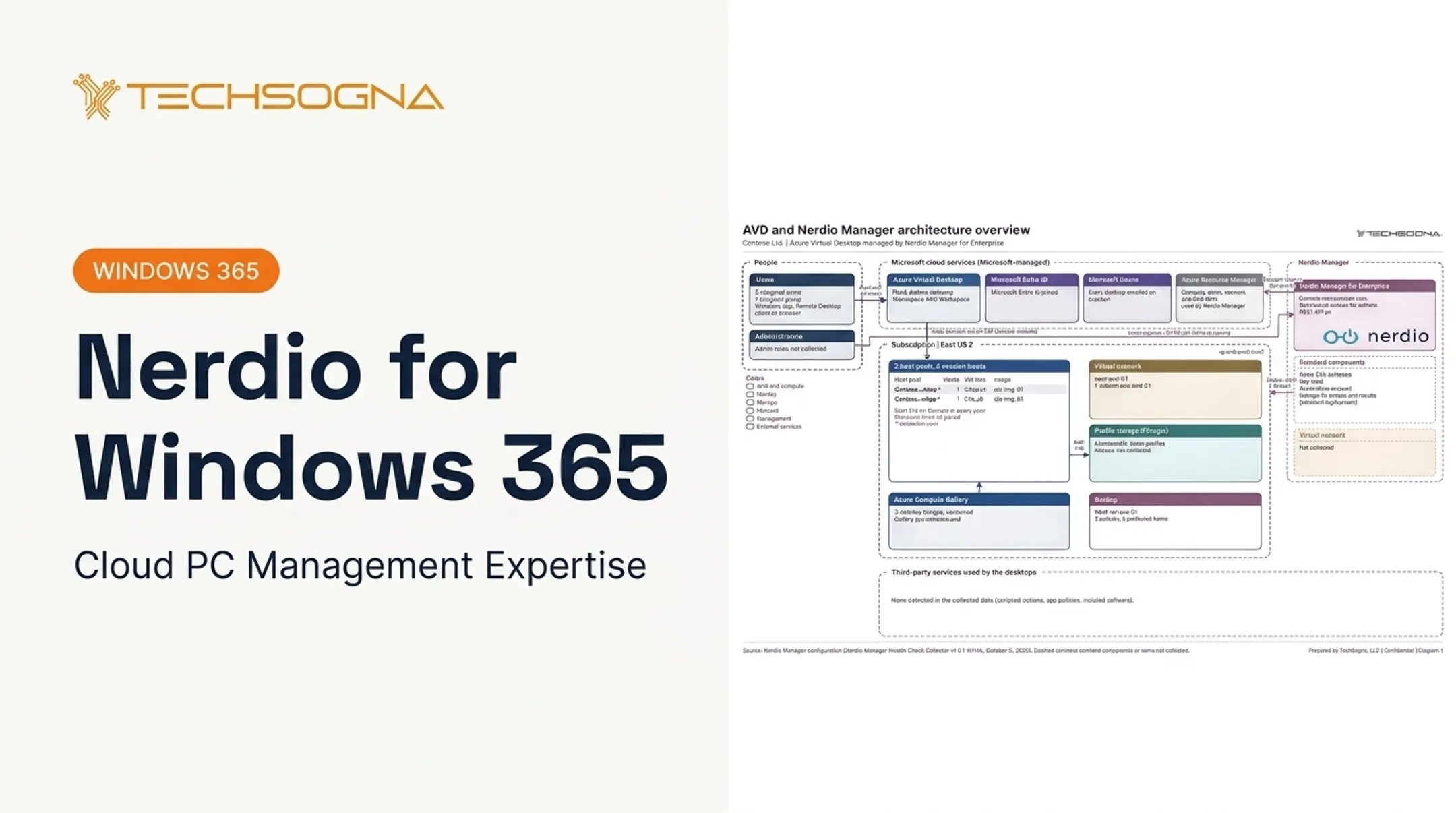
Nerdio AVD is not a separate Microsoft desktop service. Nerdio Manager for Enterprise is deployed from the Azure Marketplace into your own Azure subscription. It manages AVD through guided workflows, automation, and centralized controls.
Nerdio Manager for MSP is the service-provider edition. It runs in the MSP's own tenant and manages multiple customer environments with delegated access. Product names and feature boundaries change, so confirm them against Nerdio's current documentation.
Who is responsible for what
Microsoft runs the web, broker, and gateway services. You remain responsible for session hosts, custom images and apps, networking, identity, resiliency, and backup. Nerdio automates tasks within that model. It does not transfer that responsibility to Microsoft or to Nerdio.
The lifecycle Nerdio helps coordinate includes:
- Provisioning and image creation
- Host deployment and app delivery
- User management, scaling, and patching
- Monitoring and retirement
What Does Nerdio Manager Add to AVD?
Nerdio keeps the Azure-based architecture and layers workflow on top. Here is what it adds in day-to-day operations.
Images and deployment
You can create or import images from Azure library images or existing VMs, then create or re-image host pools. The "Set as image" function automates Sysprep and sealing. That replaces much of the hand-built portal, PowerShell, and template work.
Scripted actions run PowerShell on Windows VMs or through Azure Automation, with hooks for host creation, shutdown, and removal.
Autoscaling and right-sizing
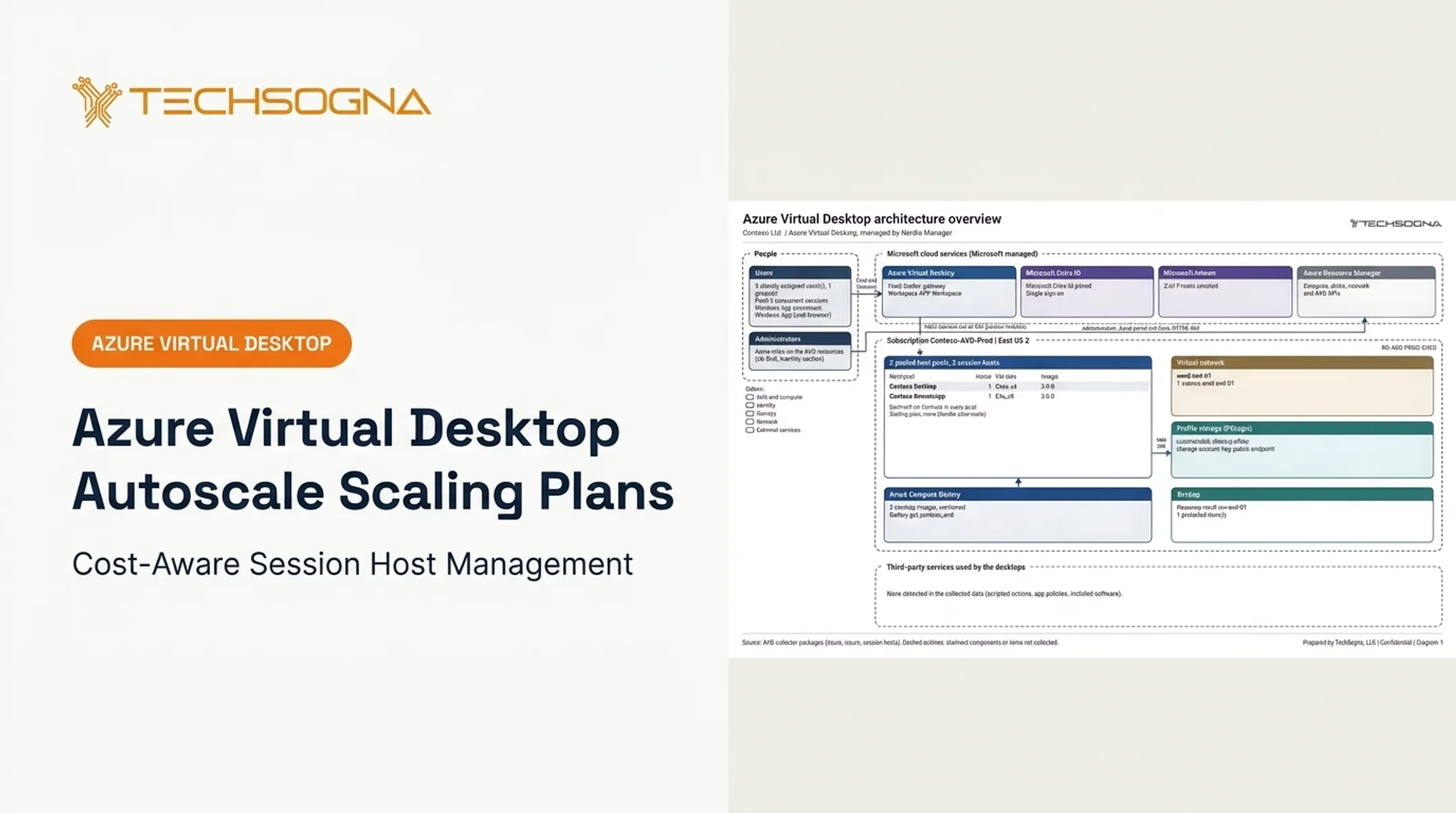
Nerdio's autoscale starts or creates hosts for demand and stops or deletes unused ones. Base, minimum-active, and burst capacity are separate settings. Multiple triggers require the Premium edition.
A pooled-desktop analyzer uses CPU, RAM, and performance data to produce right-sizing recommendations. It does not resize hosts automatically, so a person still approves changes. Validate every scaling setting against real user experience and application performance.

Operations and governance
- Built-in roles: AVD Admin, Desktop Admin, and Help Desk, plus custom roles
- Job tracking with task, resource, user, status, timestamps, JSON export, and configurable retention
- Integrations with Entra ID, Key Vault, Log Analytics, Azure SQL, and Azure Automation
Repeatable configurations, role-based access, and a job audit trail support change control. Automation doesn't replace Azure security reviews, testing, or human oversight.
Nerdio AVD Benefits and Use Cases
Four outcomes to look for
- Simpler day-to-day operations
- More predictable cost management
- Scalable user access
- Consistency across environments
Be careful with savings figures. An ESG study commissioned by Nerdio modeled a 2,500-user company going from 7 to 4 VDI administrators, or 43% fewer. That is a modeled result with mixed baselines, not a guarantee. Treat vendor case studies the same way.
Where it fits best
- Mid-market IT teams without a large VDI operations group
- Remote and hybrid workforces
- Seasonal or contractor-heavy organizations (contractors still need eligible licensing)
- BYOD access to secure applications
Modernizing Citrix, VMware, or on-premises VDI
Don't move everything at once. Microsoft's guidance supports a proof of concept with sample users to test network capacity, application performance, and latency, followed by user acceptance testing and validation pools. A phased plan usually includes:
- Assess applications and rationalize images
- Plan profiles and storage
- Pilot with a small group
- Run hybrid coexistence while waves migrate
Cost, Native AVD Comparison, and Fit
Costs to include when estimating Nerdio AVD
Build the estimate in layers:
- Azure: session-host compute, OS disks, Azure Files for FSLogix profiles, networking and egress, Log Analytics, and backup
- Microsoft licensing: eligible Microsoft 365 E3/E5/F3/Business Premium, Windows Enterprise E3/E5, or Windows VDA per user
- Nerdio: enterprise plans are quote-based, billed on session access or unique Entra ID users per month depending on the entitlement
- Services: implementation, training, support, or co-management
Contractors count as internal-use users for licensing. External-user per-user pricing, listed at $10 per user per month for desktops and $5.50 for apps, doesn't substitute for employee or contractor licenses.
Total cost swings with concurrency, pooled versus personal desktops, VM size, session density, operating hours, region, resiliency, and scaling policy.
Microsoft's sizing guidance gives starting densities of about 6 users per vCPU for light workloads, 4 for medium, 2 for heavy, and 1 for power users. Use them as planning baselines only.

There is no universal per-user Nerdio price. Request a current quote and use the Azure pricing calculator. Some list-price figures cite about $4 per active user per month; treat that as a planning estimate, not a billed amount.
TechSogna's fixed-fee AVD assessments start from $3,500 depending on environment size and scope. Confirm current pricing before you finalize the estimate.
Nerdio Manager versus native Azure tools
| Area | Native Azure | With Nerdio |
|---|---|---|
| Deployment | Portal, CLI, PowerShell, Bicep/ARM | Guided workflows plus scripted actions |
| Scaling | Scaling plans, including dynamic autoscale | Host lifecycle and capacity triggers |
| Monitoring | AVD Insights on Azure Monitor | Automatic setup and alerts per Nerdio |
| Images | Custom image templates, Compute Gallery | Import, sealing, pool re-imaging |
Native tools are capable. Nerdio's own comparison chart calls Azure image automation "still in development," yet Microsoft documents custom image templates. Compare workflows, not assumed gaps. Also note that Microsoft prohibits combining dynamic autoscale with another scaling script on the same pool.
The tradeoff: Nerdio adds a commercial layer and one more dependency. In return it may cut operational effort and make complex tasks manageable for teams with limited AVD expertise. Teams with strong Azure, PowerShell, monitoring, and FinOps skills can do well without it.
Decision checklist
- How large and complex is the environment?
- Does your team have deep Azure and PowerShell skills?
- How much automation do you need?
- How many host pools or tenants must you manage?
- What compliance requirements apply?
- Is cost control a primary goal?
- How willing are you to maintain scripts and integrations?
How to Plan, Deploy, and Operate Nerdio AVD
1. Start with discovery
Document:
- Users, applications, and concurrency
- Endpoints, identity sources, and network paths
- Regions, data needs, and compliance duties
- Citrix or VDI dependencies and recovery objectives
2. Design before you automate
Decide the architecture first:
- Pooled or personal host pools, and session-host sizing
- Image strategy, application groups, and workspaces
- FSLogix profile containers on Azure Files, kept in the hosts' region
- Networking, DNS, and identity integration
- Conditional Access with MFA, Intune, and Defender
- Administrative roles
3. Roll out in a controlled way
Build a pilot. Validate app compatibility, sign-in speed, and profile performance. Confirm autoscaling behavior, document exceptions, and set acceptance criteria before adding users.
4. Define operating practices
Cover:
- Image updates and patching
- Failed sessions and alerts
- Backups and disaster recovery
- Access reviews and cost reviews
Right-size periodically and require rollback procedures for high-impact changes.

Where specialist support fits
TechSogna is a Microsoft Partner and Authorized Nerdio Partner. The team holds the Microsoft Certified: Azure Virtual Desktop Specialty credential and Nerdio Manager for Enterprise certification. TechSogna supports assessment, deployment, documentation, licensing, training, optimization, and business-hours co-management (Mon-Fri, 9-6 CT) for US organizations. Your team keeps day-to-day control.
Frequently Asked Questions
How much does Nerdio AVD cost?
Total cost combines Nerdio licensing, Azure consumption, Microsoft licensing, and any implementation or support services. It depends on users, concurrency, architecture, and operating patterns.
What is Nerdio AVD used for?
Nerdio Manager is used to deploy, manage, automate, scale, monitor, and optimize Azure Virtual Desktop environments through centralized workflows and controls.
Is Nerdio the same as Azure Virtual Desktop?
No. AVD is Microsoft's cloud desktop service. Nerdio Manager is a separate management and automation platform that works with Azure and AVD.
Is Nerdio Manager worth it for AVD?
It depends on your internal skills, environment complexity, automation needs, scale, and cost goals. Weigh the reduced management burden against the added license.
Can you manage Azure Virtual Desktop without Nerdio?
Yes. The Azure portal, PowerShell, templates, Azure Monitor, and other native tools all work. Expect to invest more in skills and operational effort.