Introduction
Windows 365 and Azure Virtual Desktop (AVD) both put a Windows desktop in the cloud. They split the work very differently. With Windows 365, Microsoft runs the Cloud PC infrastructure. With AVD, you run the session hosts.
That split drives licensing, Azure spend, IT workload, security design, and long-term cost. It matters because hybrid work is the norm: Gallup reports 54% of US employees with remote-capable jobs worked hybrid as of August 2026.
This guide gives you a practical framework: how each service works, where each fits, and how to test the decision against your own users.
Key Takeaways
- Windows 365 gives each user a persistent Cloud PC with per-user billing and less infrastructure work.
- AVD offers deeper control over hosts, images, networking, and scaling, but demands Azure expertise.
- Choose by workload pattern, IT skills, security needs, and total operating cost.
- Many organizations run both, assigning each to different user groups.
Windows 365 vs Azure Virtual Desktop: Quick Comparison
Service model and responsibility
Microsoft Learn names provisioning and management as the key difference. Customers manage AVD virtual machines (VMs). Microsoft manages Windows 365 VMs.
Windows 365 assigns a Cloud PC to a user. Microsoft handles the underlying infrastructure. You still own guest OS updates, applications, identities, endpoint policies, and access controls.
AVD is an Azure-hosted desktop and application platform. Microsoft operates the broker and gateway. You manage session-host images, profiles, networking, scaling, and operational processes.
Pricing and total cost
Windows 365 uses per-user subscriptions. Displayed US prices (accessed November 2026):
| Plan | Spec | Monthly price |
|---|---|---|
| Business | 2 vCPU / 8 GB / 128 GB | $36/user |
| Enterprise | 2 vCPU / 8 GB / 128 GB | $41/user |
| Enterprise | 4 vCPU / 16 GB / 128 GB | $66/user |

Plan choice, prerequisite licenses, and add-ons still shape the final bill.
AVD has no fixed per-user price. Eligible licenses (Microsoft 365 E3/E5/F3/Business Premium, Windows Enterprise E3/E5, and others) remove the extra Windows access charge.
Azure infrastructure stays billable:
- Compute (usually the largest piece)
- Disks
- Bandwidth
- Profile storage
- Monitoring logs
Desktop architecture and user assignment
Windows 365 fits persistent one-to-one Cloud PCs. Flex (formerly Frontline) adds options for shift work:
- Dedicated mode supports up to three assigned PCs per license, but only one concurrent session
- Shared mode gives one PC per license to a group and deletes user data at sign-out
AVD offers personal and pooled host pools, plus Windows 11 Enterprise multi-session. Multiple users share one host, which suits variable or high-volume populations.
Customization and application delivery
Windows 365 Enterprise supports gallery or custom images and Intune management. Business uses default configurations. Windows 365 also offers GPU Cloud PCs (Standard, Super, Max) in Enterprise and Flex, with regional limits.
AVD gives the deepest control:
- Custom images and FSLogix roaming profiles
- RemoteApp through application groups on pooled host pools
- GPU-capable Azure VMs such as NVadsA10 v5 and NCasT4_v3
- Azure Local hosting for workloads that must stay on-site
Scalability, security, and operations
Windows 365 shortens deployment through centralized provisioning and Intune. You still need Conditional Access, endpoint security, and application processes.
AVD asks more of your team:
- Capacity planning and autoscaling
- Monitoring through Azure Monitor
- Image maintenance and network design
- Backup and recovery configuration (no native end-to-end DR feature)
- Ongoing cost optimization
What Are Windows 365 and Azure Virtual Desktop?
Windows 365
Windows 365 streams a dedicated Windows 11 Cloud PC to any laptop, tablet, or phone through the Windows App or a browser. Administrators pick CPU, RAM, and storage per role. Data stays in the cloud, and Microsoft classifies the service as SaaS.
Advantages:
- Fast provisioning
- Persistent user experience
- Intune management, like a physical PC
- Predictable billing, with no compute metering
Tradeoffs:
- Less infrastructure flexibility
- Weaker economics for irregular or low-utilization users
Use cases of Windows 365
It suits distributed knowledge workers, contractors, onboarding cohorts, and anyone who needs a consistent personal desktop without an AVD operations team.
New York Life is a useful example. Per Microsoft's customer story, it used Windows 365 and Intune for 7,000+ knowledge workers, contractors, and call-center users. Provisioning dropped from weeks to minutes, and onboarding finished in about four months.

It fits less well when you need heavy session sharing, application publishing, custom networking beyond what Windows 365 offers, or highly variable schedules.
Azure Virtual Desktop
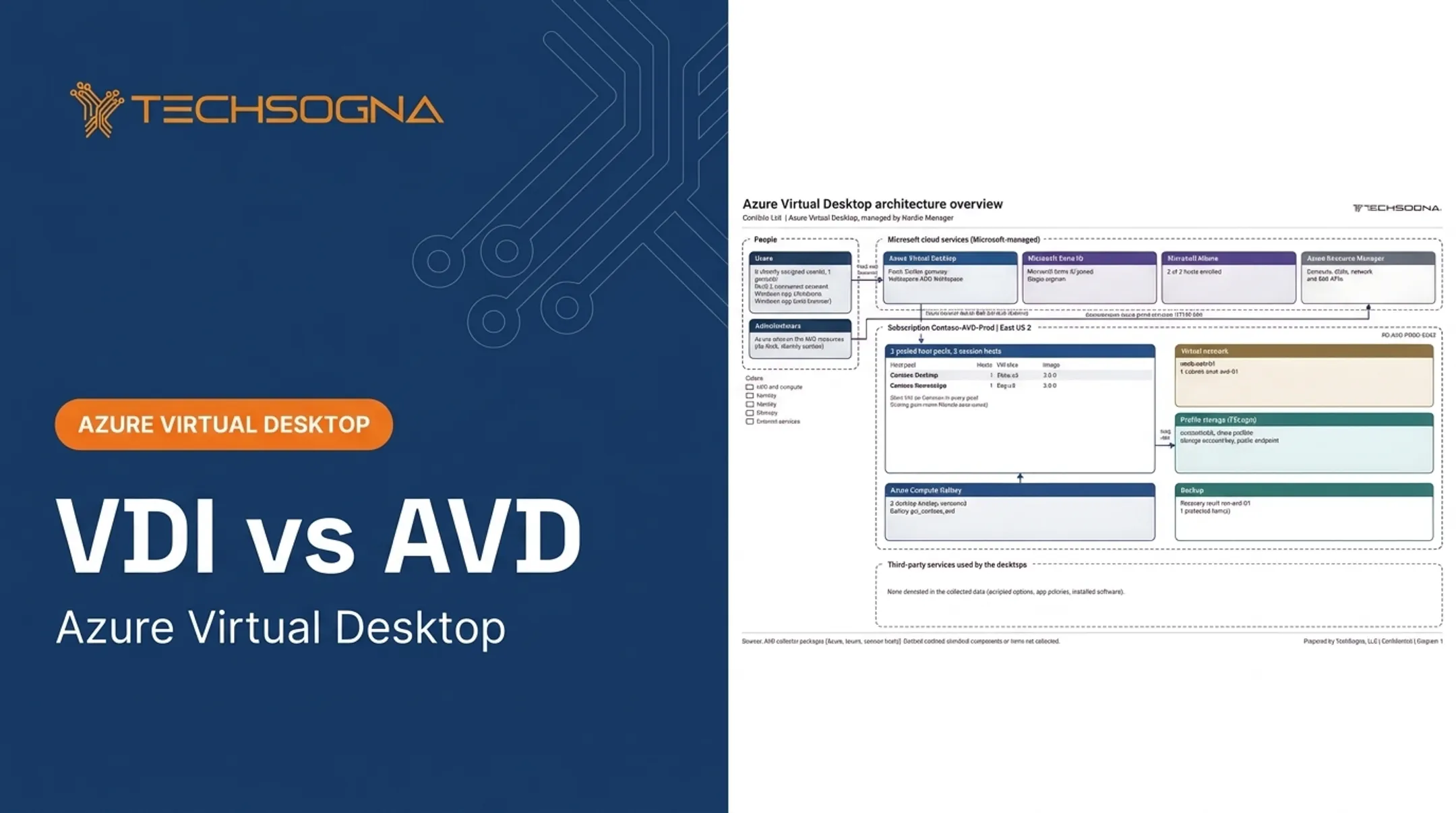
AVD is Azure's desktop and application virtualization platform. Host pools contain registered session-host VMs. Application groups expose desktops or RemoteApps, and workspaces group those application groups. Entra ID handles authentication, and hosts sit in an Azure virtual network.
Advantages:
- Pooled or personal desktops
- Multi-session and RemoteApp support
- Flexible VM sizing and custom images
Tradeoffs:
- More design, administration, monitoring, and optimization work
Use cases of Azure Virtual Desktop
AVD fits:
- Seasonal or variable demand
- Shared task-worker environments
- Application-only access
- Citrix or on-premises VDI modernization
- Hybrid deployments on Azure Local or Azure Arc
- Regulated environments that need documented controls
Different host pools can serve different user groups, each with its own policies. TechSogna builds each pool around one user type, called a persona.
Baptist Health shows the payoff. Its AVD on Azure Local story reports clinician logins that once took up to three minutes now reach as low as five seconds. These are customer-reported results, not controlled comparisons.
Windows 365 vs Azure Virtual Desktop: What Is Better?
Neither is universally better. The answer depends on:
- Workload pattern
- Desired control
- Internal skills
- Security requirements
- Operating cost
Match the platform to users and workloads
- Windows 365: most users need dedicated, persistent Cloud PCs with consistent requirements.
- AVD: users can share session hosts, need RemoteApp, or have fluctuating schedules and concurrency.
Remember that Flex assignments aren't simultaneous capacity. Three assigned PCs still means one concurrent session per license.
Match the platform to your IT team
Choose Windows 365 if you want simple provisioning and Intune-centered administration. Choose AVD if you have Azure, networking, identity, profile, and image expertise, or a specialist partner.
Build a real cost model
Don't compare a Windows 365 subscription against a single AVD VM. Include:
- Licensing and compute
- Storage, networking, and profiles
- Monitoring and backup
- Support, optimization, and staff time
Microsoft's sizing guidance gives multi-session starting points:
- About 6 users per vCPU for light workloads
- 4 for medium
- 2 for heavy
- 1 for power users
Treat these as starting points, then test representative workloads. For scale, TechSogna's Contoso example right-sizes a RemoteApp pool at 5 sessions per host.
Autoscaling also changes the math. Nerdio says autoscaling and storage optimization can cut monthly Azure spend by up to 80%, though savings depend on users, schedules, and VM sizes.

Weigh security, compliance, and integration
Both platforms work with Entra ID, Conditional Access, Intune, and Defender. The difference is who designs and operates the controls.
- Windows 365: Microsoft secures the infrastructure; you configure the OS, apps, and access.
- AVD: you own session hosts, profiles, apps, data, and identities.
Compliance is never automatic. Windows 365 appears in Microsoft's HIPAA offering and has FedRAMP High government options, but customer compliance still depends on your configuration. Also verify:
- On-premises connectivity and application dependencies
- Hardened images and audit evidence
- Recovery requirements
Consider the hybrid option
A mixed model often wins. Assign Windows 365 to persistent knowledge workers and contractors. Use AVD for shared sessions, specialized applications, variable demand, or application publishing.
Intune manages both, and AVD hosts can be Entra joined or hybrid joined. Standardize identity, endpoint policy, and support across both. Keep in mind that AVD multi-session has policy limitations, and AVD monitoring stays Azure Monitor-based.
Real-World Examples
Two verified customer stories show the split:
- New York Life (Windows 365): A nationwide hybrid workforce of 7,000+ needed secure desktops at scale. Persistent, individually assigned Cloud PCs managed through Intune cut provisioning from weeks to minutes.
- Baptist Health (AVD on Azure Local): Slow clinical apps and profile loading hurt clinicians across 1,200 devices. AVD's local hosting and profile control matched that need. Microsoft describes monetary savings as potential, not confirmed.
The takeaway: New York Life needed simplicity at scale, while Baptist Health needed control over placement and performance.
TechSogna engineers have also designed and deployed AVD with Nerdio Manager for 10,000+ and 20,000+ user environments in healthcare.
If you're unsure about sizing, security, documentation, or cost optimization, TechSogna, a Microsoft Partner and Authorized Nerdio Partner, offers a free 15-minute fit check on Windows 365, AVD, or both. Fixed-fee AVD health checks start at $3,500.
Conclusion
Windows 365 is the simpler path for persistent, individually assigned Cloud PCs and predictable administration. AVD is the more flexible path for shared sessions, application delivery, variable demand, and deeper Azure control.
Validate your choice against actual applications, user schedules, network dependencies, security requirements, internal skills, and total operating cost. A mixed strategy may be more practical than picking one.
Frequently Asked Questions
How much does AVD cost?
AVD has no single per-user price. Estimate Azure compute, storage, networking, licensing, profiles, monitoring, scaling, and support. Use Microsoft's Azure pricing calculator rather than relying on a generic figure.
What is the difference between Azure Virtual Desktop and Windows 365 Cloud PC?
Windows 365 gives each user an assigned Cloud PC with simpler management and per-user pricing. AVD is a configurable Azure desktop and application platform where you carry more responsibility and pay consumption-based costs.
Is Azure Virtual Desktop the same as Remote Desktop?
No. AVD is a cloud desktop and application service. Remote Desktop can mean the RDP protocol, a client, or Remote Desktop Services, a Windows Server platform.
Are virtual desktop and virtual machine the same?
No. A VM is the underlying compute resource. A virtual desktop is the user-facing experience, which can run on a dedicated VM or a shared session host.
Which Azure VM should I choose?
It depends on workload, concurrency, applications, memory, CPU, storage, graphics, and budget. Test representative workloads instead of choosing from vCPU and RAM alone.
What is the difference between Microsoft Azure and Microsoft 365?
Azure is Microsoft's cloud platform for compute, storage, and networking. Microsoft 365 is the productivity and collaboration suite. Both contribute: AVD runs on Azure, and eligible Microsoft 365 licenses cover Windows access for AVD and Windows 365.