Introduction
A slow logon at shift change. An EHR that won't launch. A dictation microphone that works on a physical PC but not in a remote session. Each one interrupts care and adds pressure on staff who have no time to spare.
Virtual desktop infrastructure (VDI) delivers centrally managed desktops and healthcare applications to approved users and devices, keeping much of the data and processing in a controlled environment. IBM's 2025 report puts the average healthcare breach at $7.42 million, which explains why that control matters.
This guide covers how healthcare VDI works, where it helps, HIPAA and security considerations, the challenges, and how to compare VDI with RDP and cloud desktop options.
Key Takeaways
- VDI centralizes desktops, but results depend on identity, networking, profiles, peripherals, and support.
- Fits EHR access, telehealth, remote specialists, contractors, and shared clinical workstations.
- Supports HIPAA technical safeguards without making the organization compliant by itself.
- Validate clinical workflows, security evidence, resilience, and total cost before selecting a platform.
What Is VDI in Healthcare and How Does It Work?
VDI hosts desktop operating systems and applications centrally and presents them to authorized users through a client, browser, or endpoint device. What users see is an interface. Where the applications, profiles, and patient data actually live is a separate question, and not every deployment keeps every byte off the endpoint.
Core components
- Virtual machines or multi-session hosts
- A connection broker and gateway
- Identity services such as Microsoft Entra ID
- Profile management, for example FSLogix, which attaches a user's profile container at sign-in
- Storage, networking, and endpoint access
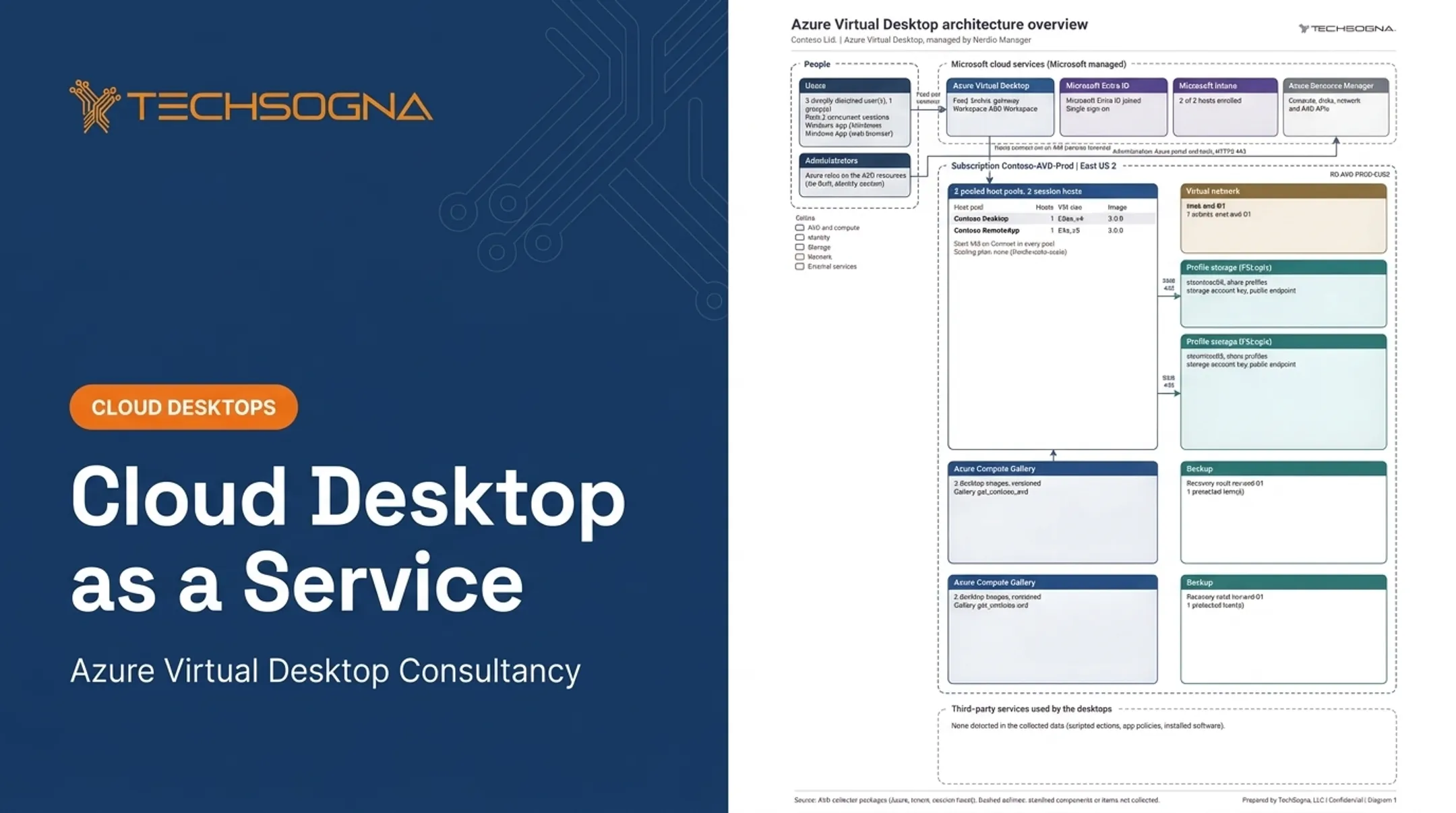
In Azure Virtual Desktop (AVD), Microsoft's architecture guidance shows Microsoft running the broker and gateway while the customer runs images, applications, networking, and recovery.
A typical clinical access flow
- The clinician signs in with MFA and conditional access.
- Role-based permissions determine which desktop or app appears.
- The profile loads and the EHR launches.
- If the connection drops, the session reconnects.

Policies then govern clipboard, drive mapping, printing, USB, and screen capture. These are configurable channels, not automatic guarantees. RemoteApp pools that still allow all drives and USB devices remain a common gap.
Integrations and compatibility
Clinical environments depend on many concurrent tools:
- EHR/EMR platforms and PACS imaging
- Lab and pharmacy systems
- Speech recognition, scanners, and barcode readers
- Secure printing, webcams, and collaboration tools
Don't assume a desktop application behaves normally in a virtual session. Test each critical workflow and peripheral.
For example, Dragon Medical One guidance specifies latency of no more than 50 ms from endpoint to virtual environment. Imaging may need GPU hosts or lossless display modes that raise bandwidth demand.
Deployment models
| Choice | Tradeoff |
|---|---|
| Persistent vs. nonpersistent | Personalization versus easier patching and recovery |
| Pooled vs. dedicated | Density and cost versus isolation |
| Single- vs. multi-session | User experience versus fewer VMs to manage |
| On-premises, cloud, hybrid | Control versus scalability |
Performance engineering
Latency, bandwidth, protocol behavior, host sizing, storage, profiles, graphics, and concurrent demand all matter. Microsoft recommends round-trip time below 150 ms to the host region, but that is a general threshold, not a clinical benchmark. Measure logon, EHR launch, chart retrieval, imaging, dictation, and collaboration directly.
What Are the Benefits and Use Cases of VDI in Healthcare?
Continuity across locations
Clinicians move between exam rooms, nursing stations, facilities, and home offices. VDI lets them reconnect to an existing session or reach a consistent app set from any shared workstation.
Baptist Health's AVD deployment on Azure Local reported logon times falling from up to 3 minutes to as little as 5 seconds, according to Microsoft's customer story. That is a vendor-reported result. Session persistence must also be tested against your timeout and clinical safety policies.
Centralized management
- Update images once instead of touching every endpoint
- Deploy applications and patches centrally
- Provision and deprovision users faster
- Reduce configuration drift, while still giving clinical, administrative, and specialty users different builds
Distributed and changing workforces
VDI fits workforces that change location or employment status often:
- Telehealth teams and remote physicians
- Traveling specialists and contractors
- Temporary staff and acquired practices
- Outsourced administrative teams
Centralized identity speeds onboarding and offboarding when approvals and audit controls are in place.
Resilience and continuity
Microsoft states AVD has no native disaster-recovery management feature. Planning for hosts, profiles, applications, data, and identities falls to you.
Define recovery time and recovery point objectives, then test failover and degraded connectivity with real clinical workflows. A documented plan is not proof of readiness.
One sample backup report showed only 1 of 3 backup sets healthy and 1,418 failed jobs over 29 days. Paper plans hide problems like that.

Cost
AVD pricing separates user access rights, often covered by eligible Microsoft 365 licenses, from Azure infrastructure charges for compute, storage, and networking. Autoscaling can trim spend. Baptist Health identified $1 million in potential annual savings across 1,200 devices, which is not a general ROI benchmark.
Build a total-cost-of-ownership model covering:
- Implementation and security tooling
- Connectivity and monitoring
- Licensing and training
- Ongoing optimization
- Exit or migration costs
What Security and Compliance Controls Should Healthcare VDI Include?
VDI and HIPAA
VDI can help implement technical safeguards under 45 CFR 164.312: access control, audit controls, integrity, authentication, and transmission security. Compliance depends on the whole environment and documented policies. A Microsoft BAA alone does not make your solution compliant.
Address these items:
- Covered-entity and business-associate roles, including cloud providers that handle encrypted ePHI
- Risk analysis and risk management
- Shared responsibility: customers keep identities, endpoints, applications, host configuration, and networking
Check current HHS guidance. The January 2025 Security Rule proposal remains a proposed rule, so don't treat its provisions as current requirements.
Identity and access
- MFA and conditional access for users and admins
- Least privilege and role-based access
- Privileged identity management with just-in-time elevation
- Separated administrative duties
- Session timeouts and fast access revocation
Match access to job function under minimum-necessary principles, without blocking urgent clinical work.
Data protection
Protect data at rest and along the session path:
- Encryption and centralized storage
- Profile and cache protection
- Backup security and controls for local data remnants
Then tune clipboard, drive, printing, USB, screenshot, and download controls. Screen-capture protection is supplementary, not DRM. Over-restrict and clinicians lose scanning, dictation, and printing, so they find workarounds.
Endpoint, network, and cloud security
- Secure gateways and network segmentation
- Device posture checks and endpoint protection
- Vulnerability management and firewall rules
- Monitoring of administrative actions
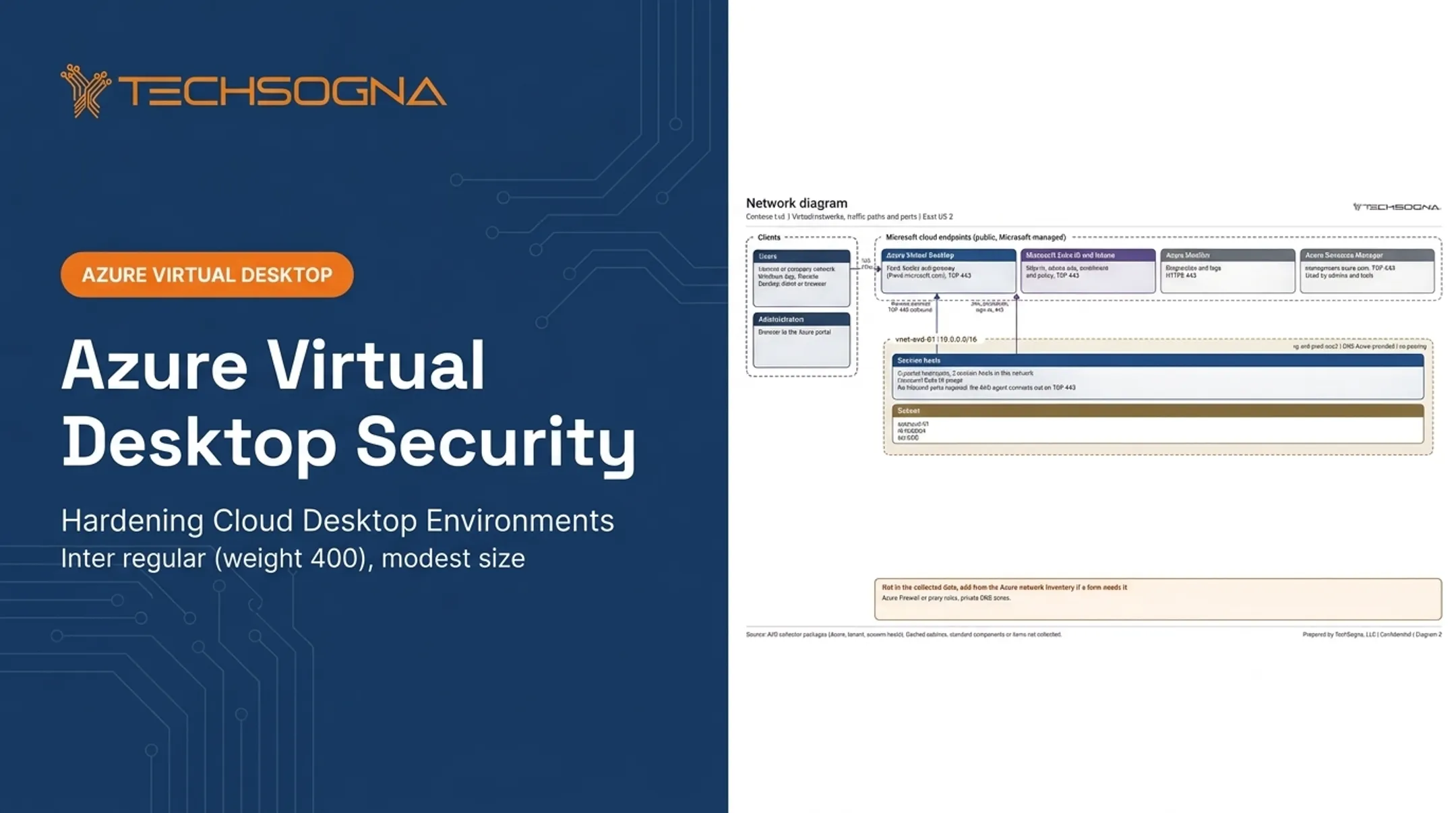
On Microsoft, that means Entra ID, Intune, Defender, and AVD. Verify current product capabilities before you rely on them. Common gaps include no network security group on a session-host subnet, and profile storage on a public endpoint with no firewall.
Audit and incident response evidence
Retain the evidence auditors expect:
- Access logs and session records
- Configuration baselines and change records
- Vulnerability scans and incident procedures
- Backup records, recovery tests, and periodic access reviews
NIST SP 800-66 Rev. 2 offers guidance on auditable activities and review frequency. Document who can access patient data, which controls are enforced, how exceptions are approved, and how you confirm controls keep working.
What Challenges Should Organizations Plan for Before Implementing VDI?
Hidden complexity
- Legacy clinical applications and EHR integrations
- Graphics-heavy imaging and specialty peripherals
- Profile behavior and licensing
- Identity dependencies and network gaps
- Thin internal VDI expertise
Moving a desktop into a virtual environment doesn't fix poor application design, weak connectivity, or sloppy operations. Microsoft's guidance flags applications that are incompatible with multi-session hosts, though that doesn't mean every EHR needs a dedicated desktop.
A phased path
- Inventory applications and users, and classify workloads.
- Assess security, compliance, and network readiness.
- Pilot with representative groups and test clinical workflows.
- Train users, then roll out in stages.

Set written success criteria for performance, access, security, resilience, supportability, and cost before expanding.
When specialist help makes sense
Teams without dedicated VDI staff can bring in a specialist. TechSogna assesses and designs Azure Virtual Desktop and Nerdio environments, then deploys, documents, optimizes, and co-manages them. Fixed-fee health checks start at $3,500 and are read-only, so they never touch patient data. Co-management runs Monday to Friday, 9 to 6 CT, and your team keeps day-to-day control.
How Should Healthcare Organizations Evaluate VDI Options?
VDI vs. RDP
RDP is a protocol, and Remote Desktop Services can publish session-based desktops or individual RemoteApps. A simple remote app or session model may be enough for light administrative work.
Dedicated or pooled virtual desktops offer stronger isolation, personalization, and often a better experience for demanding clinical apps.
Platform choices
- Citrix: mature healthcare footprint, with subscription licensing changes since March 2024.
- Omnissa Horizon: the former VMware EUC business, independent since July 2024. Hypervisor entitlements are separate.
- Azure Virtual Desktop: organization-managed pooled or personal hosts, with metered Azure costs.
- Windows 365: a dedicated Cloud PC per user at a fixed monthly fee.
- On-premises and hybrid: more control, but more staffing. AVD on Azure Local still needs Azure connectivity.
Compare each on integration, licensing, control, scalability, Microsoft ecosystem fit, staffing, and cost predictability.
Healthcare VDI scorecard
Score every candidate on:
- Clinical application compatibility
- EHR and imaging performance
- Peripherals
- Identity and access controls
- Auditability
- Disaster recovery
- User experience and scalability
- Support model
- Total cost of ownership
- Exit strategy
Require measured results from representative users and peak-load tests, including:
- Logon time and session stability
- EHR response and imaging performance
- Printing, dictation, and collaboration tools
Frequently Asked Questions
VDI vs RDP: Which is better for healthcare?
Neither is universally better. Session-based RDP suits simpler, lower-cost needs, while VDI offers more isolation and personalization. Decide based on clinical application needs, performance, scale, and IT expertise.
What are examples of VDI in healthcare?
Examples include EHR access from shared workstations, remote specialist access, telehealth operations, and distributed clinics. Contractors and disaster-recovery desktops are also common.
What does VDI stand for in healthcare?
VDI stands for Virtual Desktop Infrastructure. It delivers centrally hosted desktops and applications to authorized healthcare users and devices.
Is VDI HIPAA compliant?
Not automatically. VDI can support HIPAA safeguards, but compliance depends on configuration, access controls, encryption, audit logging, risk management, contracts, and policies.
What are the main challenges of implementing VDI in healthcare?
Common hurdles are EHR and peripheral compatibility, network latency, performance testing, licensing, and security configuration. Ongoing support and cost management add to the load.